Full Device Gallery — iPhone, iPad & Apple Watch
About Nightwell

A calm sleep tracker built around a rhythm you choose.

Nightwell helps you sleep on your own schedule without noise, subscription traps, or intrusive accounts. Set your bedtime and wake time, press one button when you go to sleep and see the night take shape. In the morning rate how you slept and track what affected it: coffee, stress, exercise, a late meal or room temperature.

Built by Hakob Ghlijyan, an independent iOS developer based in Yerevan, Armenia. Nightwell is crafted natively with Swift and SwiftUI, honoring Apple design principles and respecting user privacy at every touchpoint.

0 Accounts Required
0 Trackers in the App
6 App Languages
Customer Support

How can we help?

Contact Support Directly

Use the form below or write to hakobghlijyan@gmail.com with subject 'Nightwell support'.
Please include: device model, iOS/watchOS version, app version (found in Settings → About), and steps to reproduce.

We reply as soon as possible.

The form is sent via the FormSubmit.co service to the developer's email and used only to reply to you (see Privacy §12). The app itself has no such services.

Getting Started (4 Steps)

1. Set your bedtime and wake time in Settings.
2. Tap 'Start sleep' on the Tonight tab.
3. In the morning, finish sleep or stop the alarm.
4. Rate how you slept and mark what affected your rest.

Frequently Asked Questions

What devices and software do I need?
You need an iPhone running iOS 26.1 or later. An Apple Watch with watchOS 26.1 or later is completely optional but makes tracking more convenient with haptics and a bedside clock.
The alarm did not ring. What should I check?
Check that alarm permissions are granted (iPhone Settings → Night Well), that the night session was started, and that Wake Alarm is turned on in app Settings. The alarm uses Apple AlarmKit and sounds even in silent mode.
What is the early wake-up window?
It is an optional 15 or 30-minute window before your scheduled alarm. The app may wake you at the end of a typical sleep cycle. It is an estimate and will never sound later than your wake time.
How does iCloud synchronization work?
Sessions, ratings, notes, factors and settings sync through your personal private iCloud account using CloudKit. There is no custom account system, and the developer has no access to your data.
How is Apple Health data used?
Saving finished nights to Apple Health is optional (Settings → Apple Health). Reading sleep stages from Apple Watch is off by default and only displayed on screen: it is never saved, synced, or sent anywhere.
How can I export or delete my data?
You can export your nights as CSV or JSON in Settings → Export Data. To delete all data: delete the app, then go to iPhone Settings → [Your Name] → iCloud → Manage Storage → Night Well → Delete Data. If you enabled saving to Apple Health, those records can be removed in the Health app.
Is Nightwell a medical device?
No. Nightwell is an informational lifestyle sleep tracker and alarm. It is not a medical device and does not diagnose, treat, or prevent any medical condition.

Legal note: Nightwell is a sleep tracker and not a medical device. Requirements: iOS 26.1 / watchOS 26.1 or later.

Privacy Policy

The app does not collect your personal data.

Last updated: October 2026

1. Summary: The Nightwell app does not collect your personal data. No accounts, no advertising, no tracking, and no third-party analytics SDKs. Your data stays on your devices and in your own private iCloud.

2. Who we are: Hakob Ghlijyan, independent developer based in Yerevan, Armenia. Contact: hakobghlijyan@gmail.com.

3. What the app stores: Sleep sessions (start and end times), your star ratings, notes you may write, optional factors (e.g. coffee, exercise, stress), settings (bedtime, wake time, alarms), and a local cache for widgets and Apple Watch. Notes are free text that you control: write only what you are comfortable keeping. Ratings, notes and factors sync through your own iCloud (see section 4).

4. iCloud: Sessions, ratings, notes, factors and settings sync solely through your personal iCloud account (CloudKit private database). The developer cannot access or view your records.

5. Apple Health: Writing finished nights to Health is optional. Reading sleep stages from Apple Watch is read-only, on-demand, shown on screen, and never stored, synced, or monetized.

6. Permissions: Alarms (AlarmKit to ring even on silent), Notifications (bedtime reminders), Health (optional). No location, contacts, camera, or advertising identifier are ever accessed.

7. What we do not do: No sale of data, no tracking, no behavioral profiling, no marketing SDKs, and no third-party trackers in the app.

8. Diagnostic logs: Only local system logs on your device in case of crashes. No health data or personal notes are included.

9. Data export and deletion: Export anytime as CSV or JSON in app Settings → Export Data. To delete all data: delete the app, then on iPhone open Settings → [Your Name] → iCloud → Manage Storage → Night Well → Delete Data. If you enabled saving to Apple Health, those records are managed in the Health app and can be deleted there.

10. Children: The app does not collect personal data from anyone, including children.

11. Security: Guarded by Apple device encryption and iCloud security architectures. The app runs without external servers.

12. This website: The website is hosted on GitHub Pages and loads fonts from Google Fonts, so GitHub and Google may receive your IP address and browser details when you visit. If you use the contact form, your name, email address and message are passed through the FormSubmit.co service to the developer's mailbox and used only to reply to you. The app itself contains none of these services.

13. Contact: If you have privacy questions, write to hakobghlijyan@gmail.com.

Hover over an item to inspect
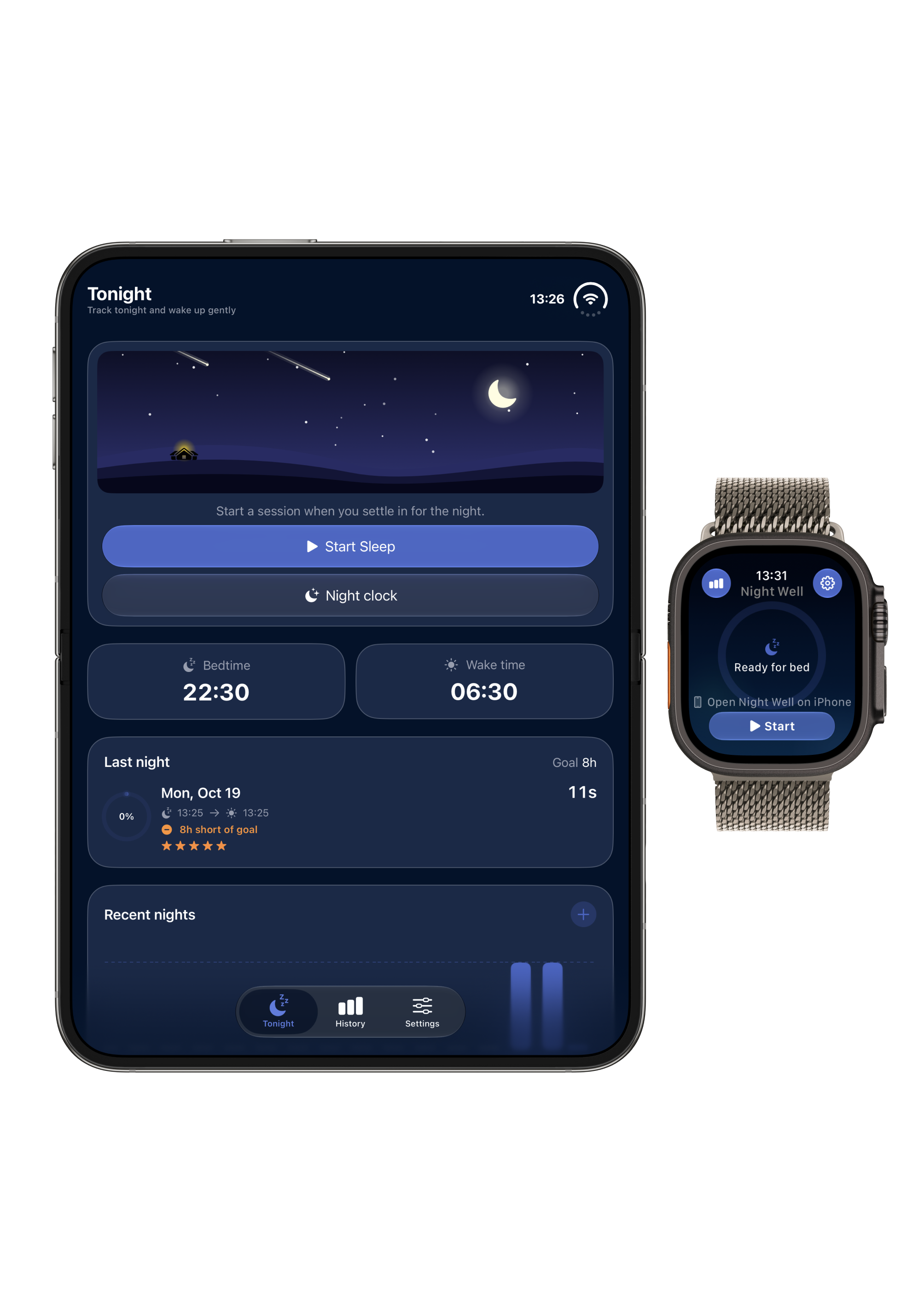
Tonight & Bedtime Schedule
iPhone + Watch · Nightwell
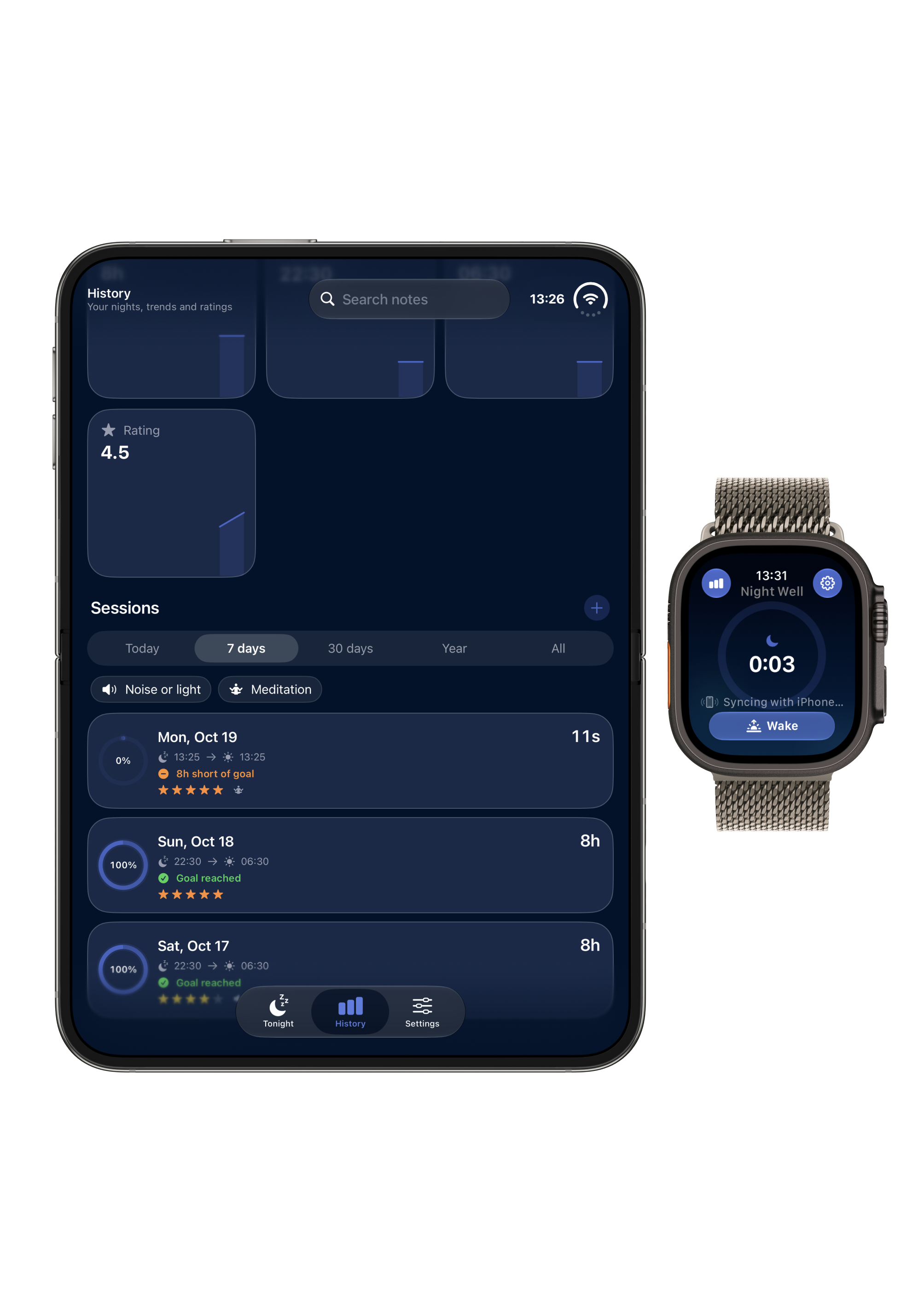
History & Sleep Score
iPhone + Watch · Nightwell
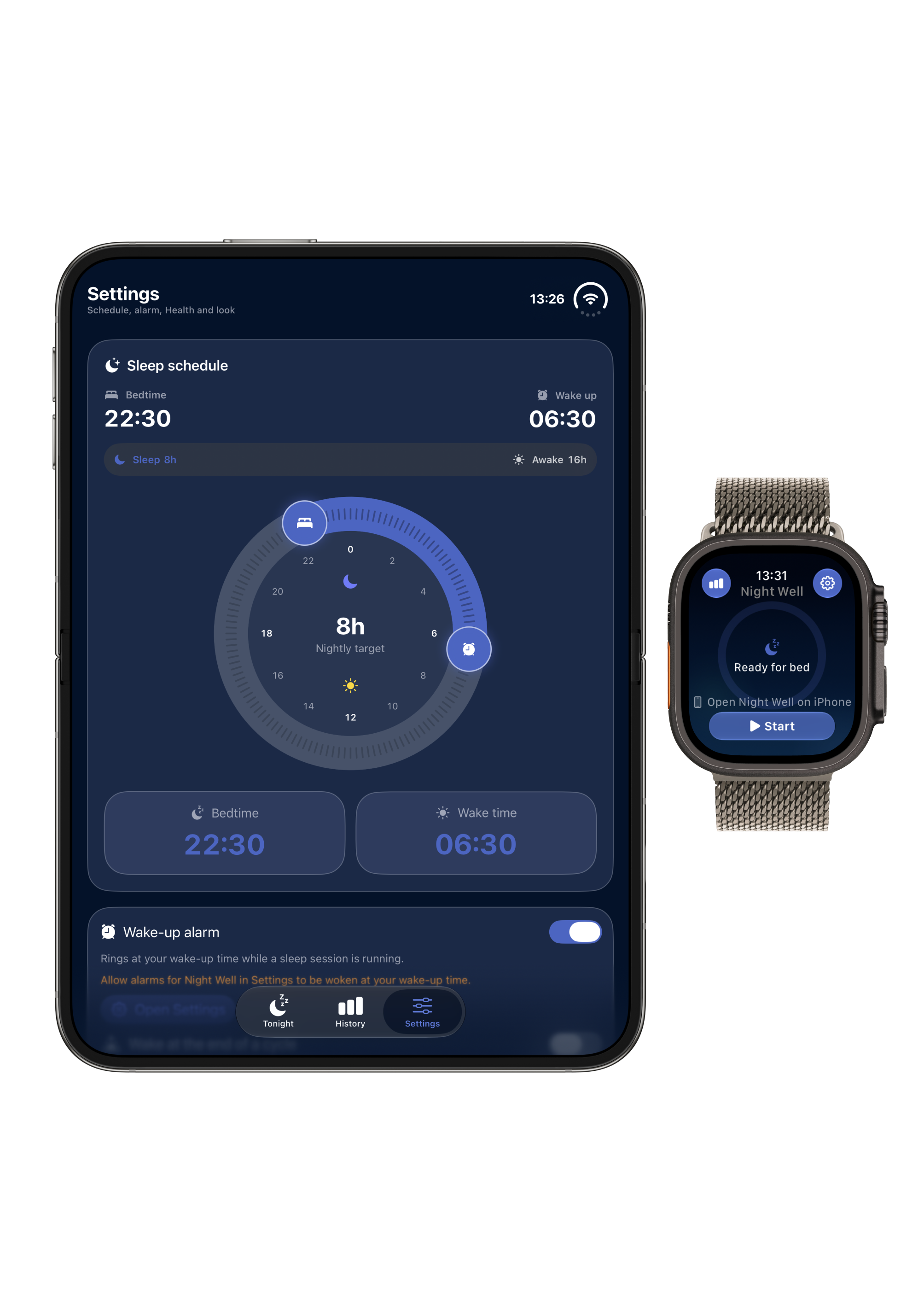
Sleep Schedule & Bedtime Target
iPhone + Watch · Nightwell
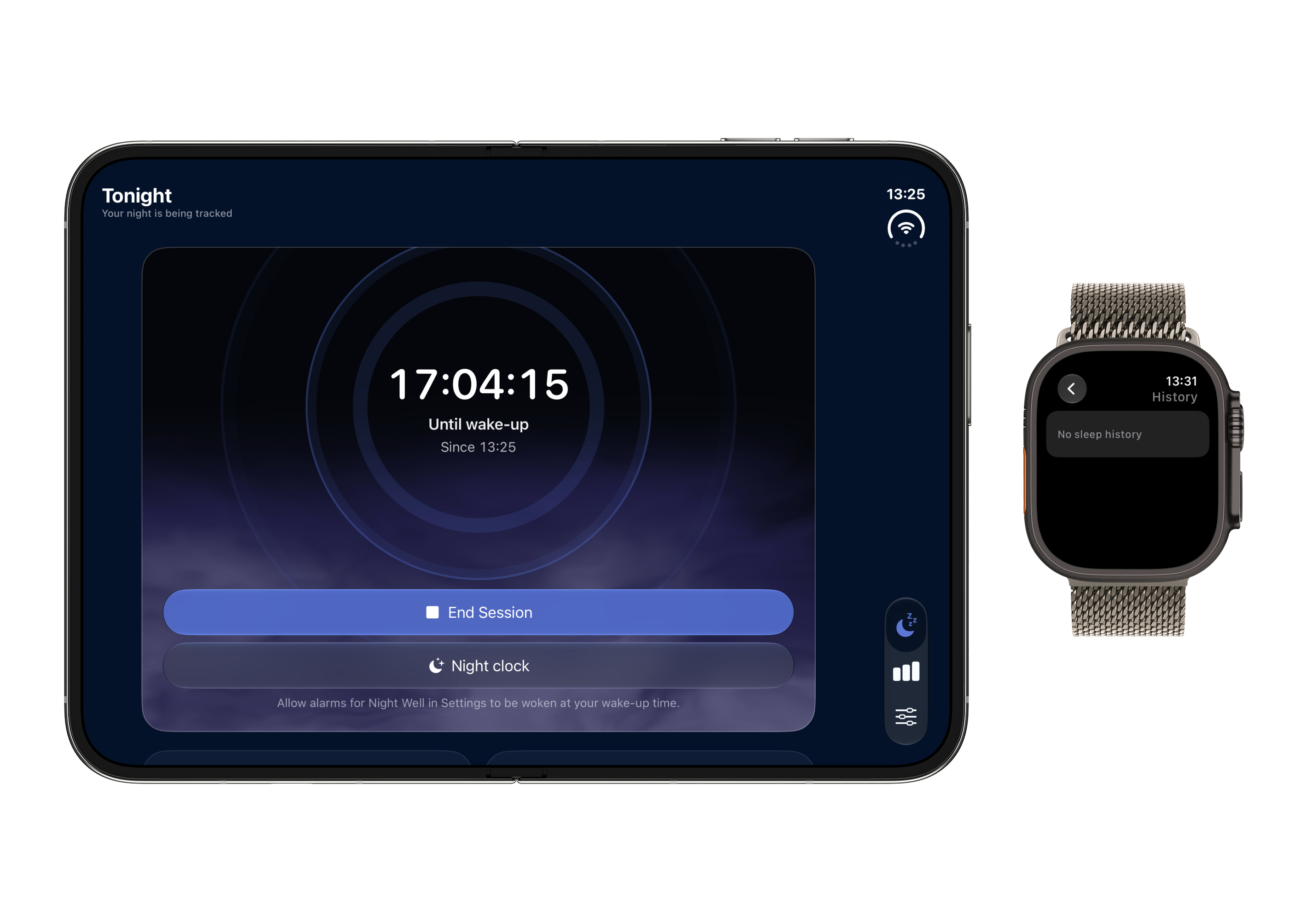
Active Night Tracking
iPhone + Watch · Nightwell
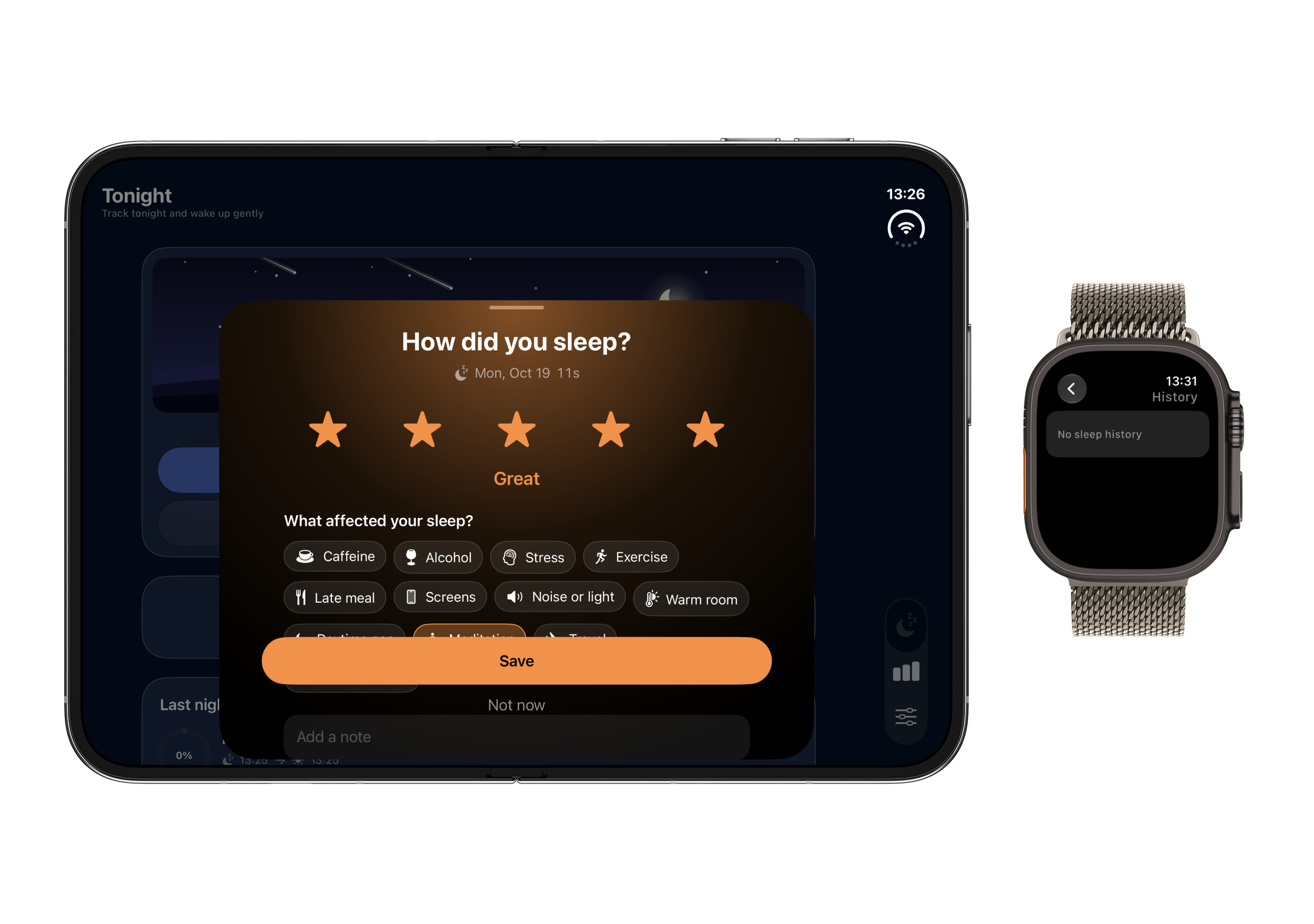
Morning Rating & Check-In
iPhone + Watch · Nightwell
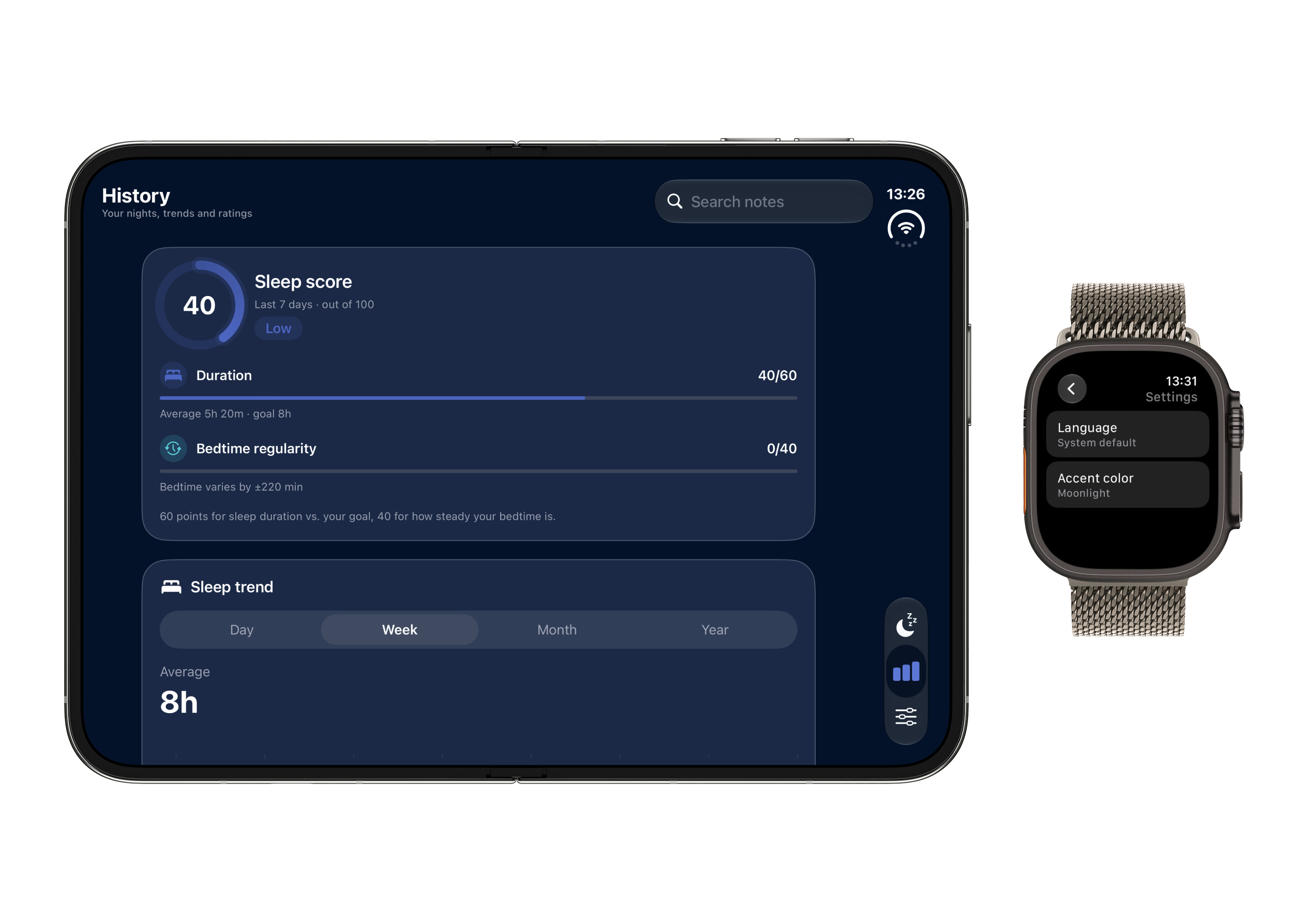
Analytics & Score Breakdown
iPhone + Watch · Nightwell
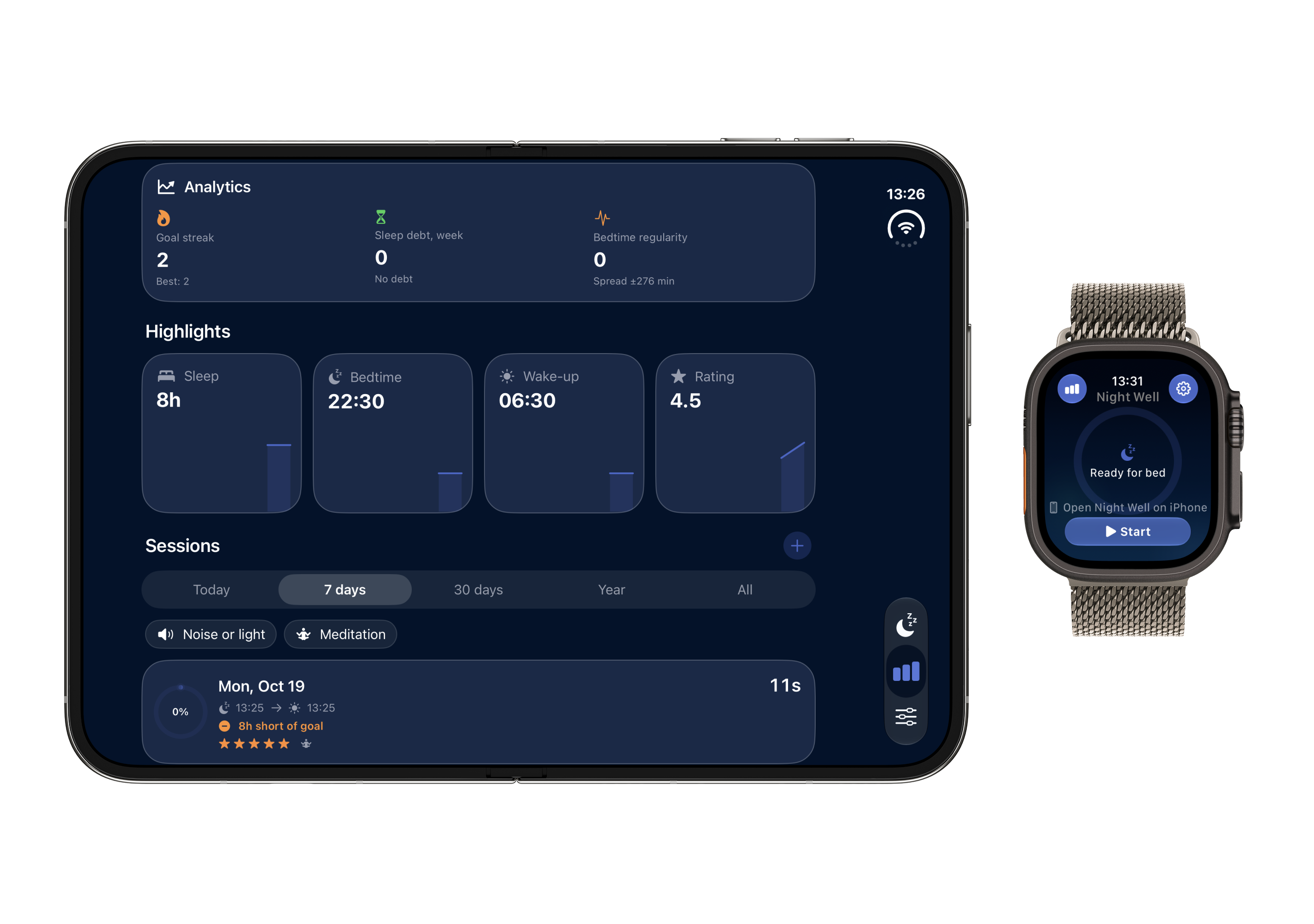
Goal Streaks & Highlights
iPhone + Watch · Nightwell
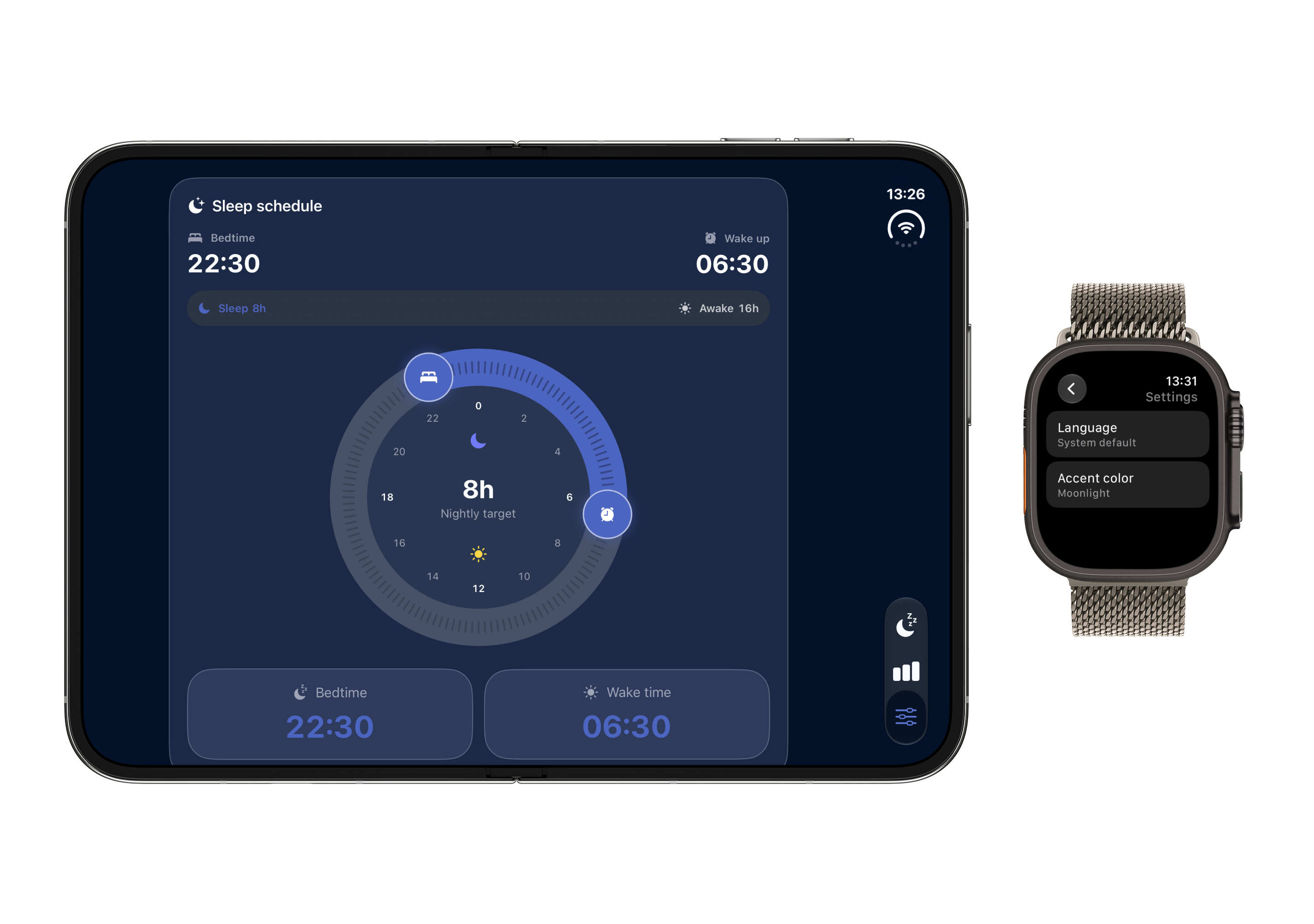
Circular Sleep Dial & Rhythm
iPhone + Watch · Nightwell
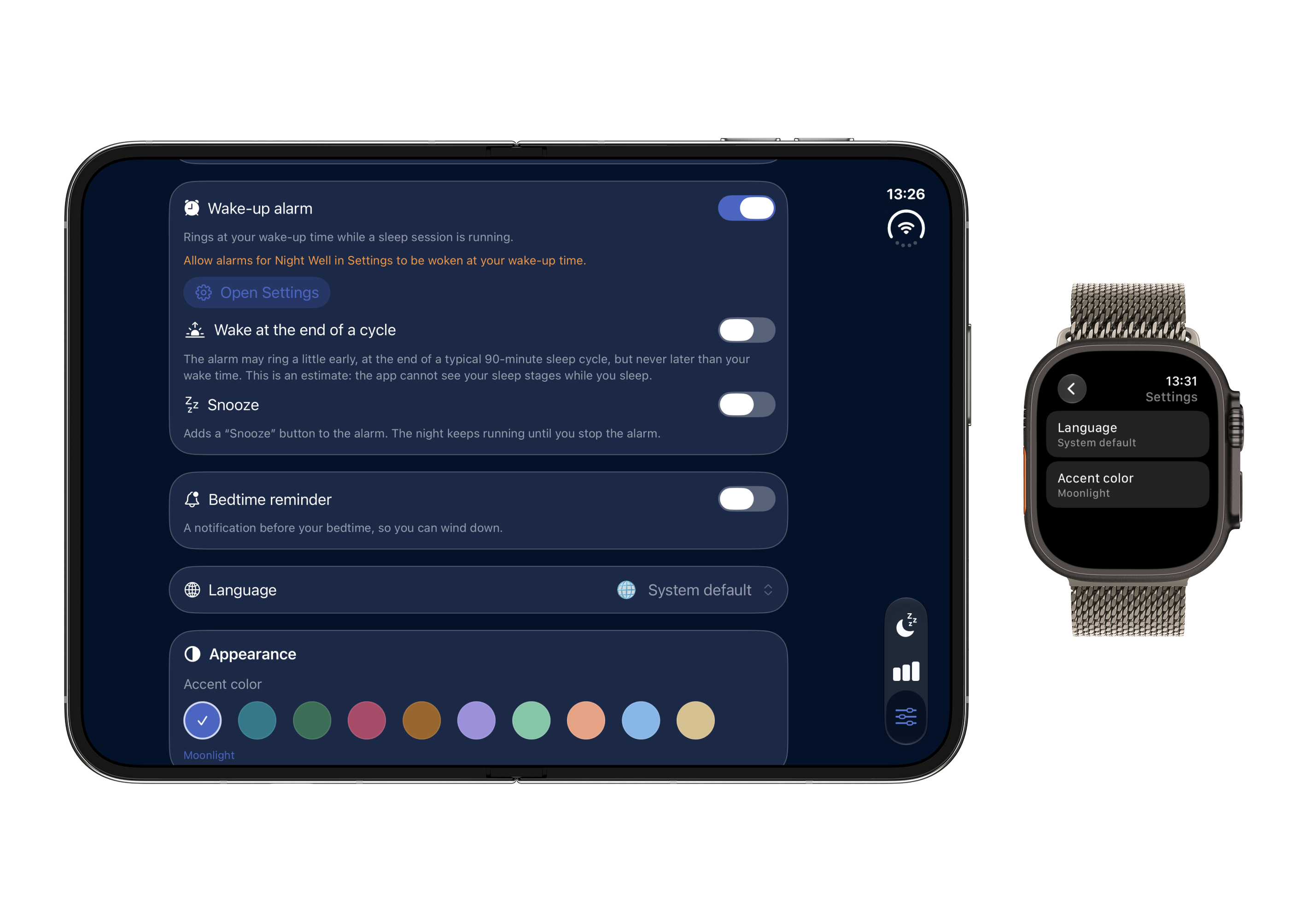
Smart Wake-Up Window & Alarm
iPhone + Watch · Nightwell
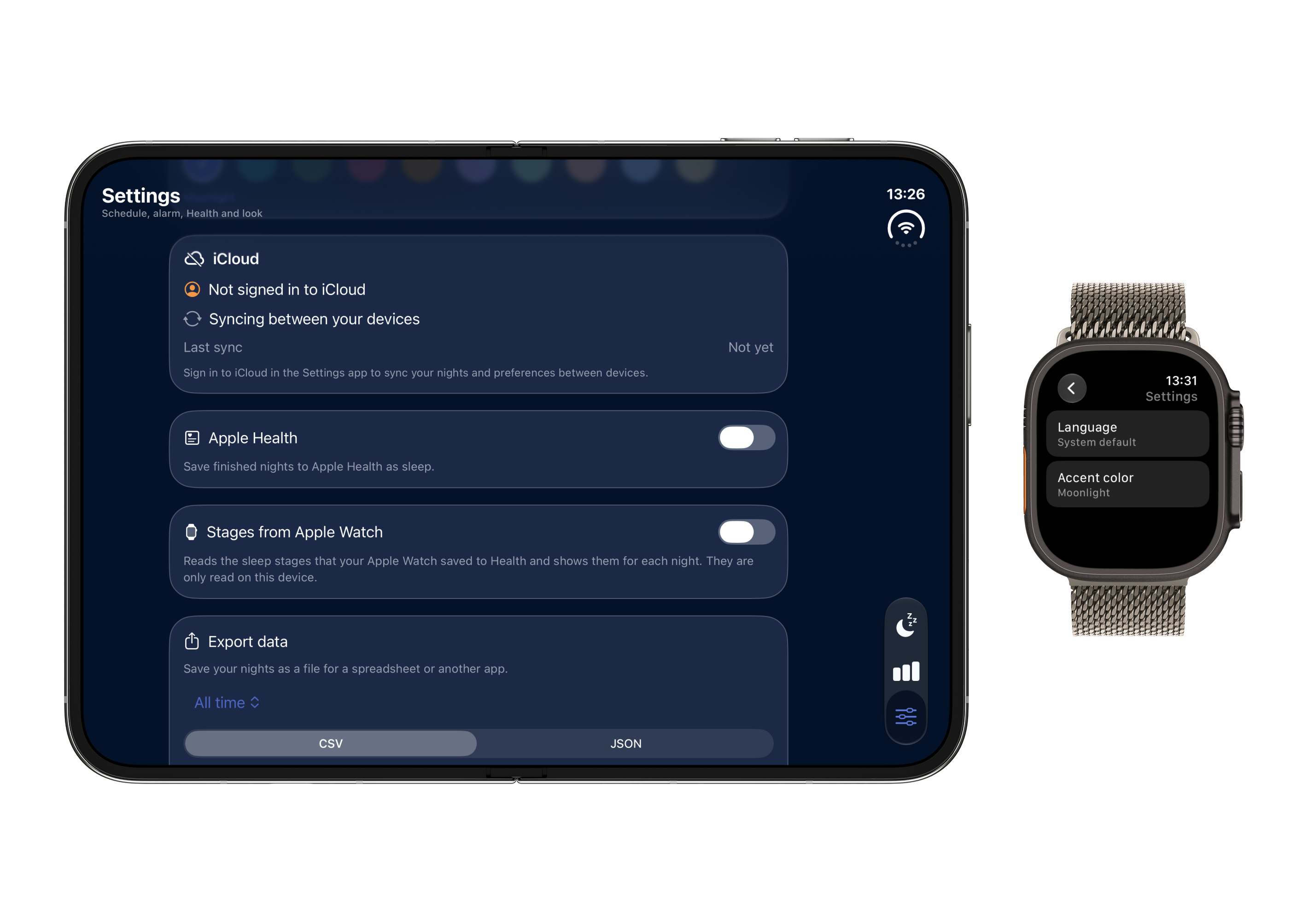
iCloud Sync & System Settings
iPhone + Watch · Nightwell
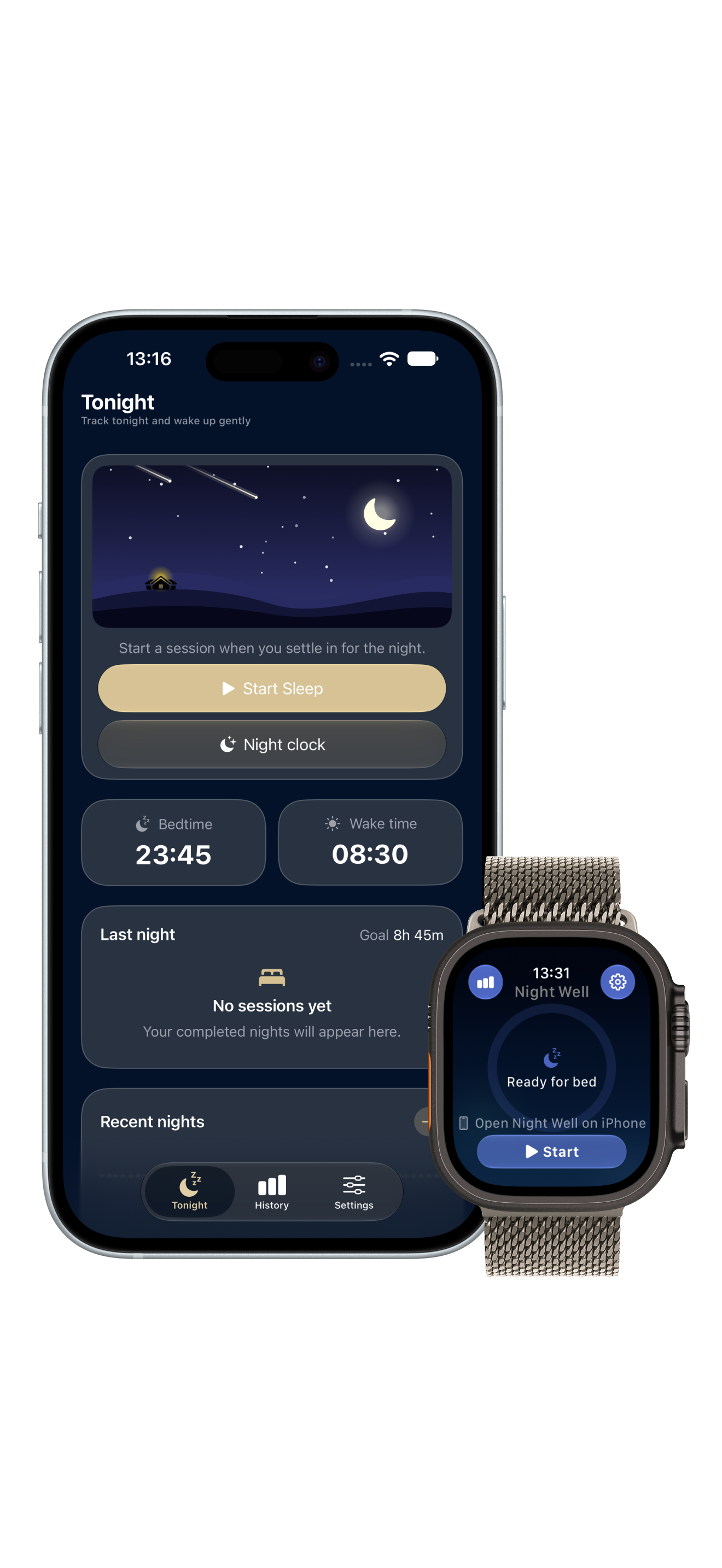
Start Sleep Session
Start Sleep Session
Tonight Tab · Nightwell
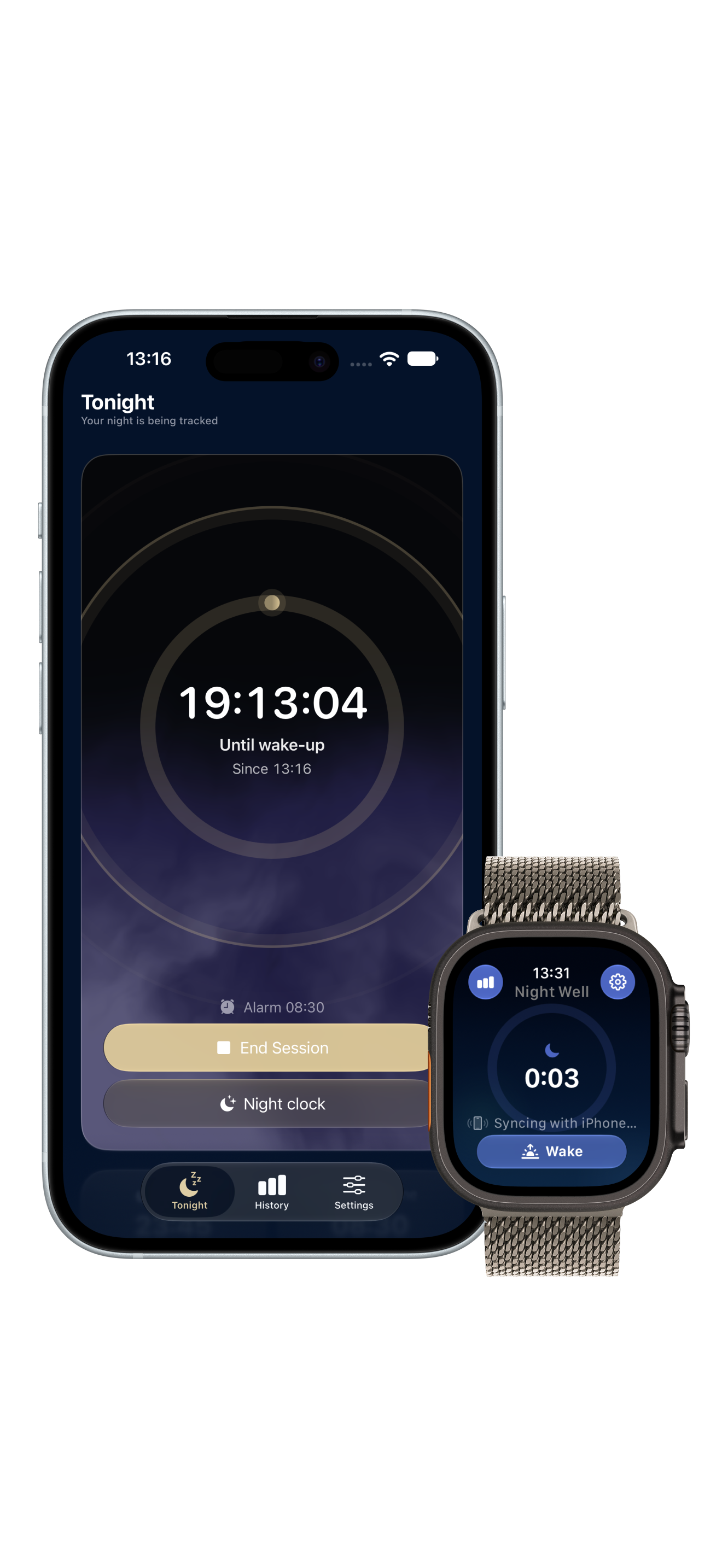
Active Night Tracking
Tracking In Progress · Nightwell
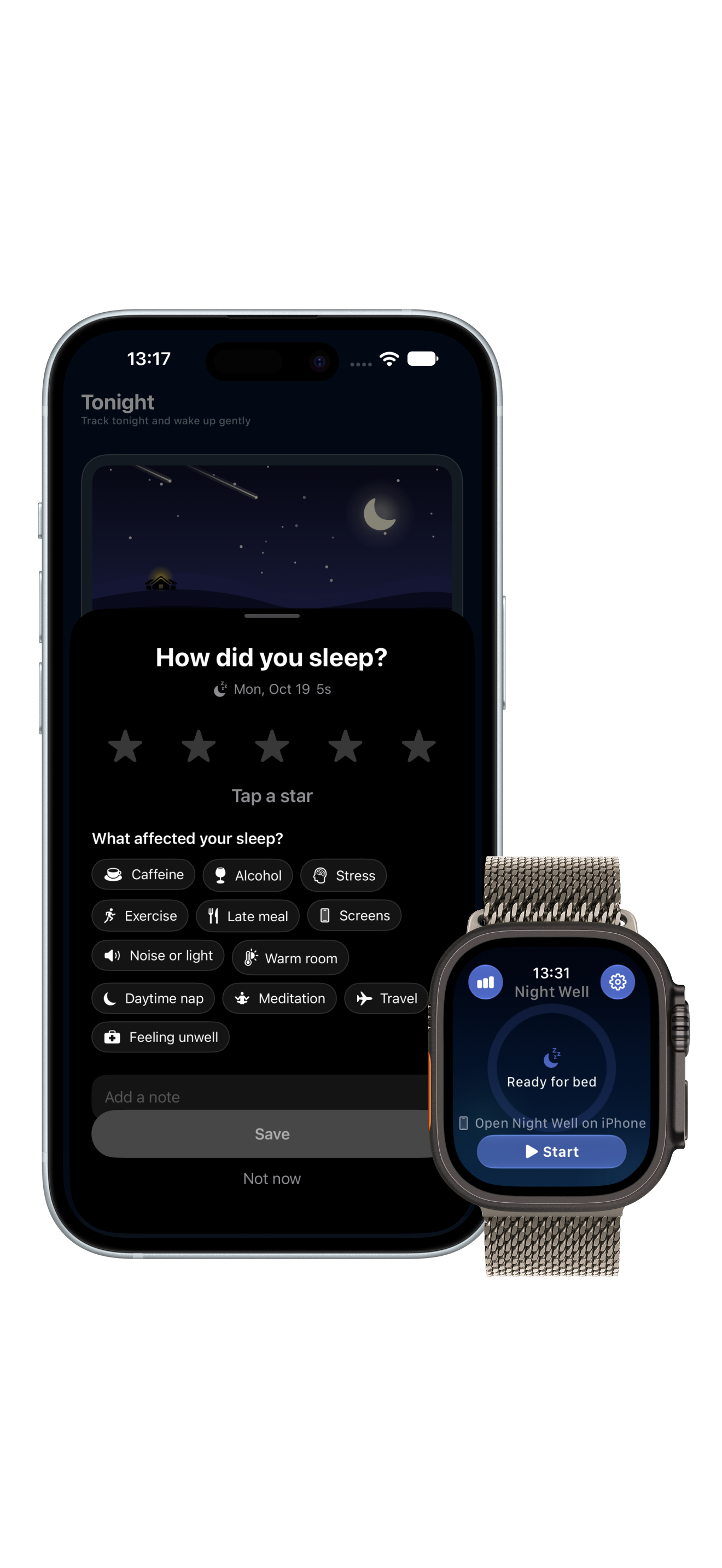
Morning Sleep Rating
Rating & Factors · Nightwell
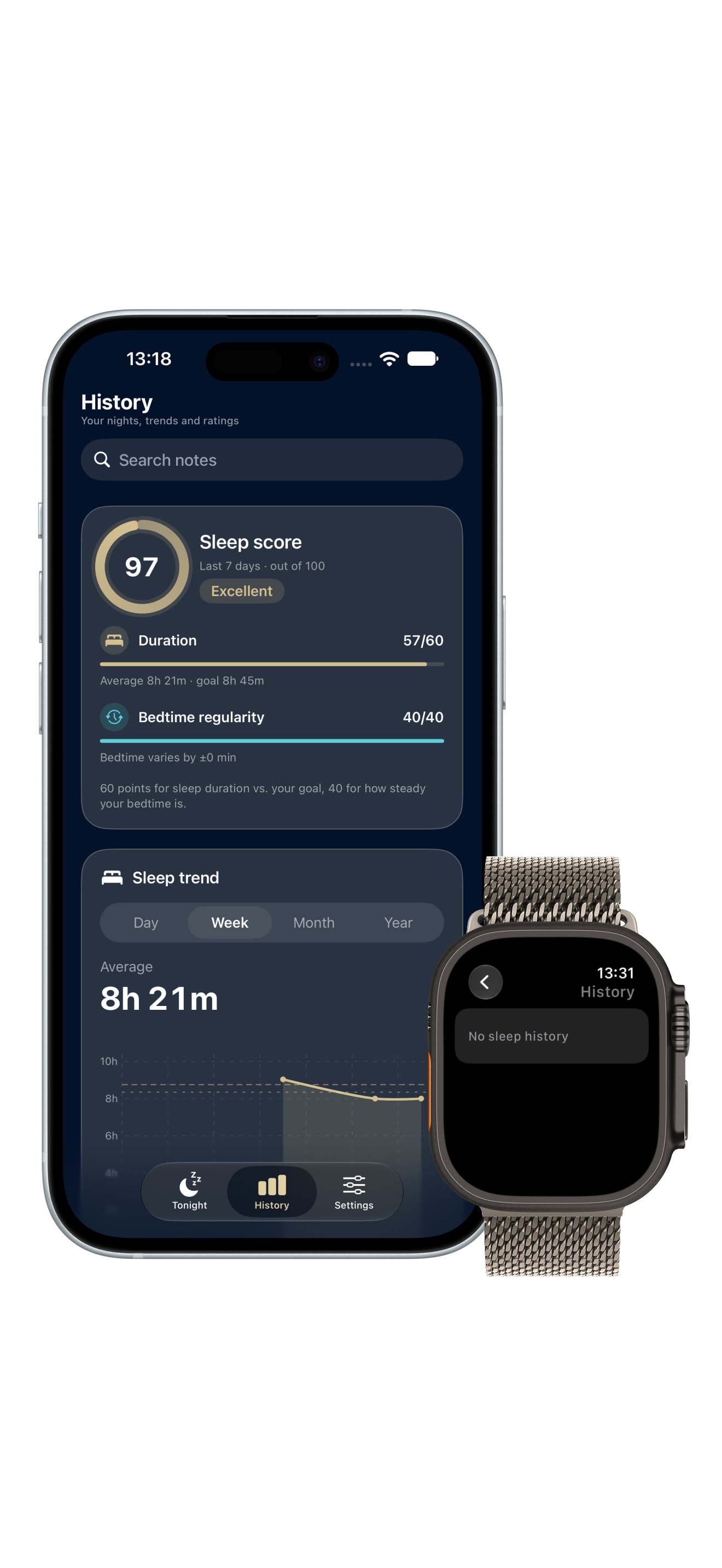
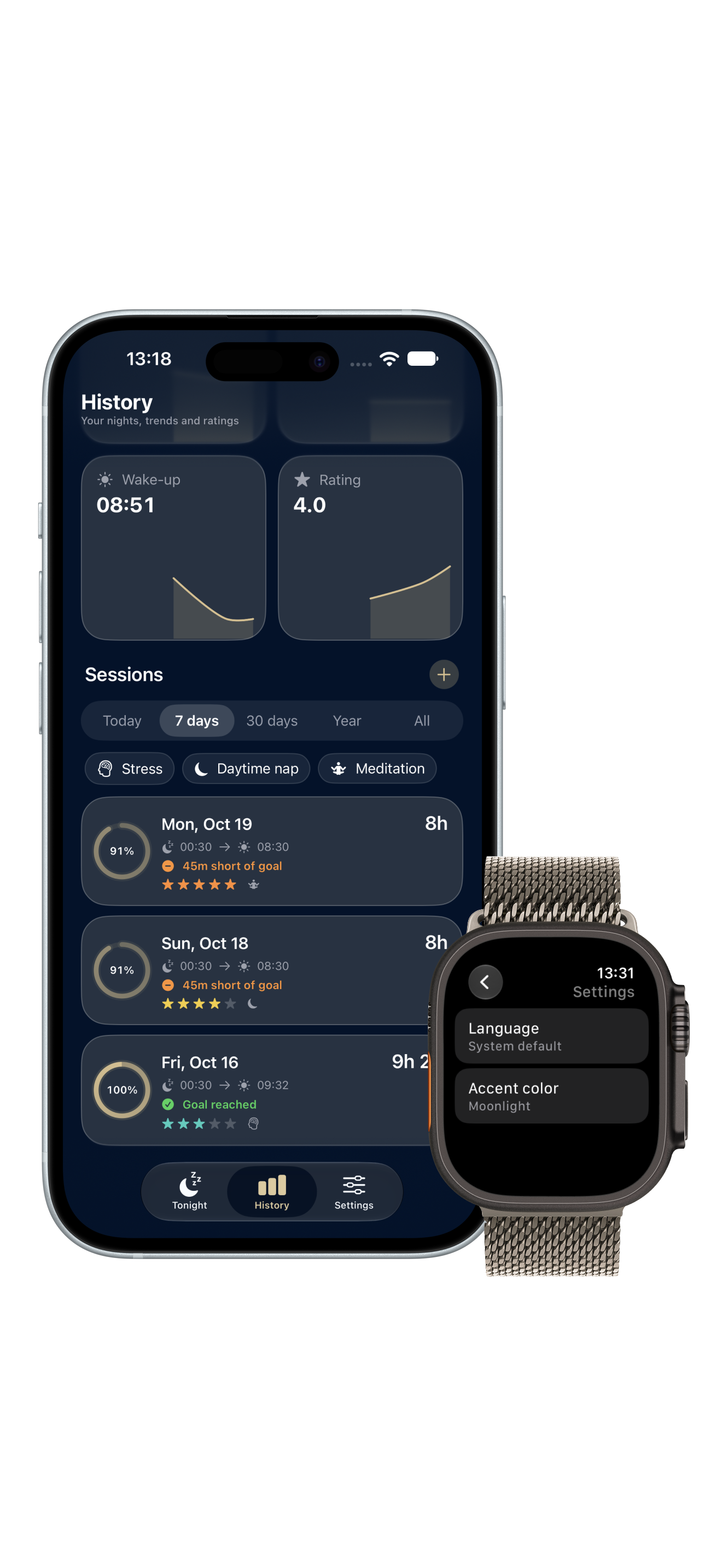
Sleep History & Records
History Tab · Nightwell
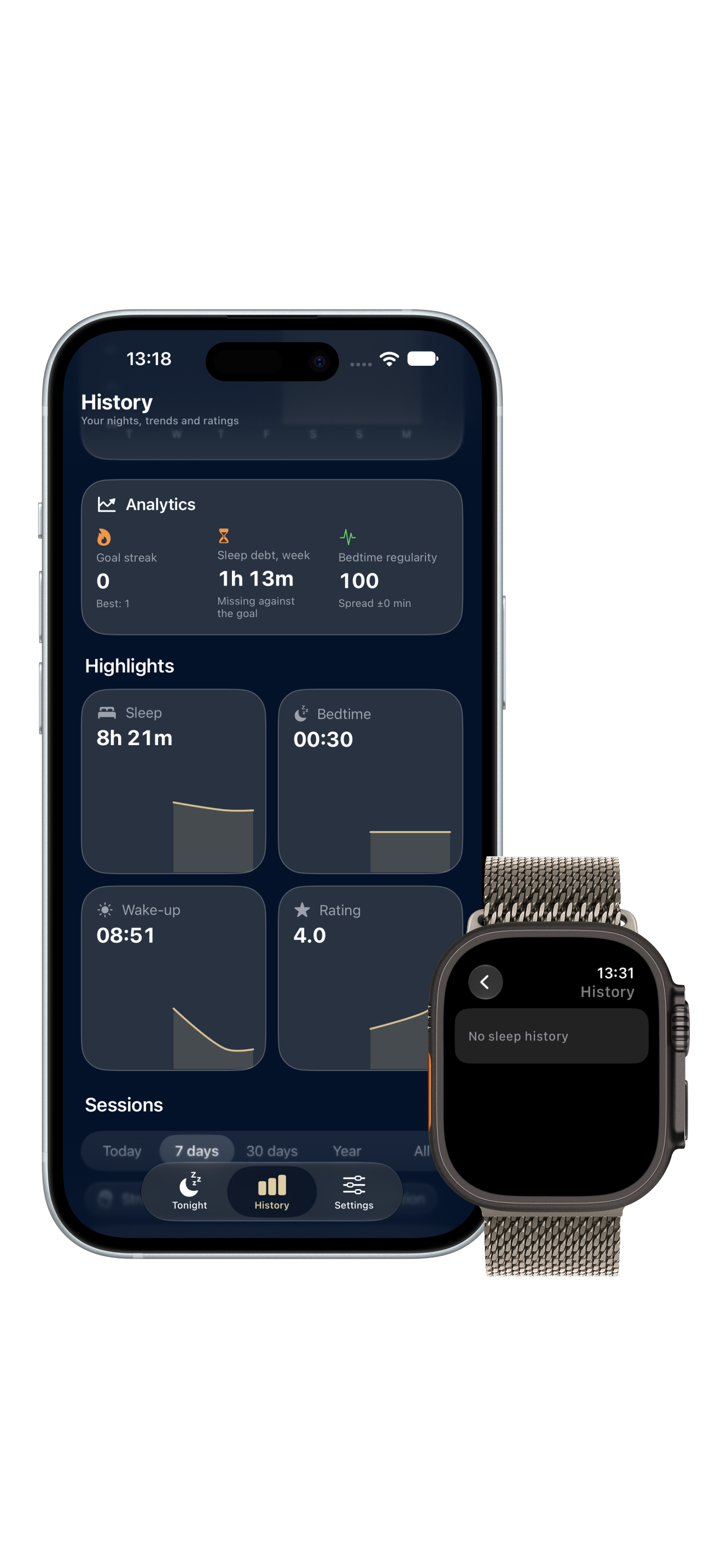
Sleep Analytics & Streaks
Trends & Streaks · Nightwell
Session Details & Factors
Session Notes · Nightwell
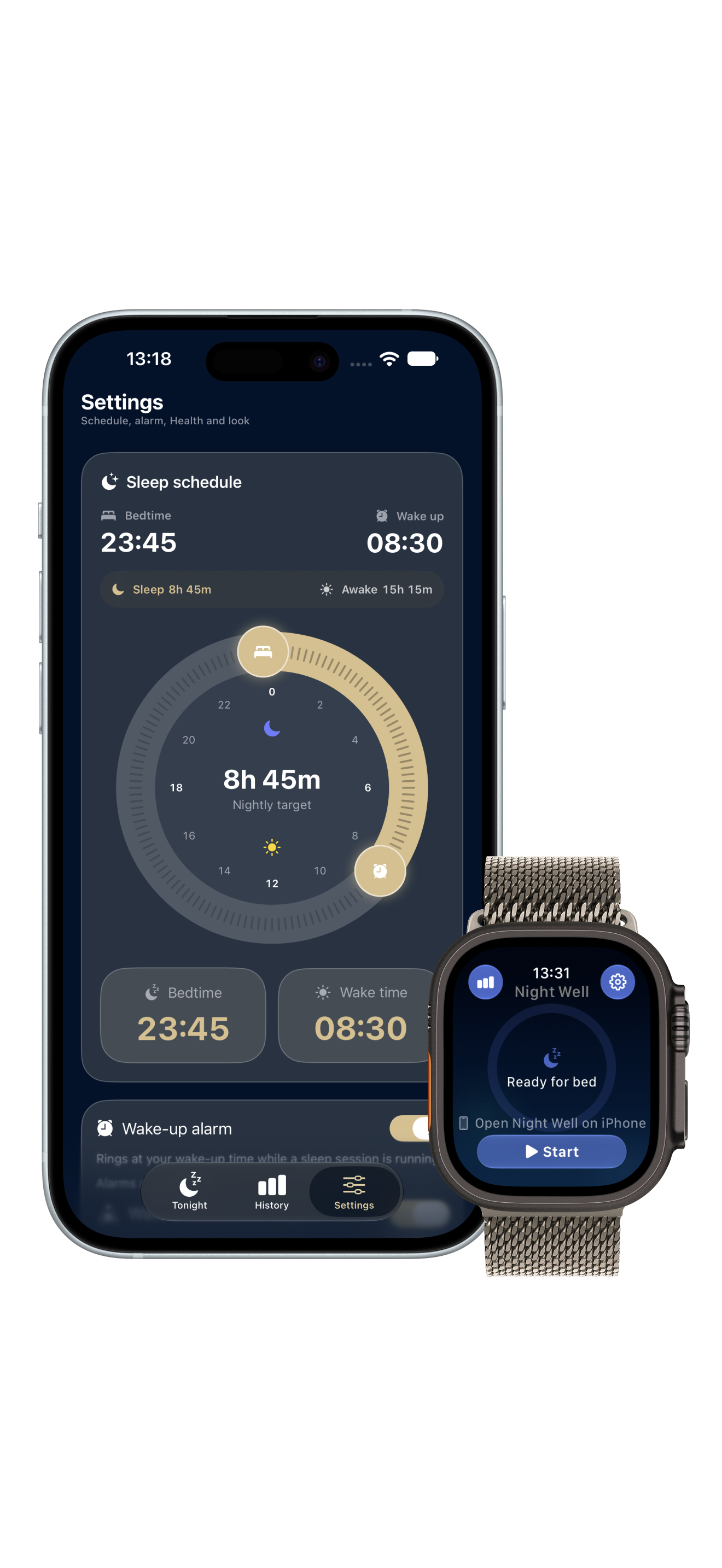
Sleep Schedule & Bedtime
Settings Tab · Nightwell
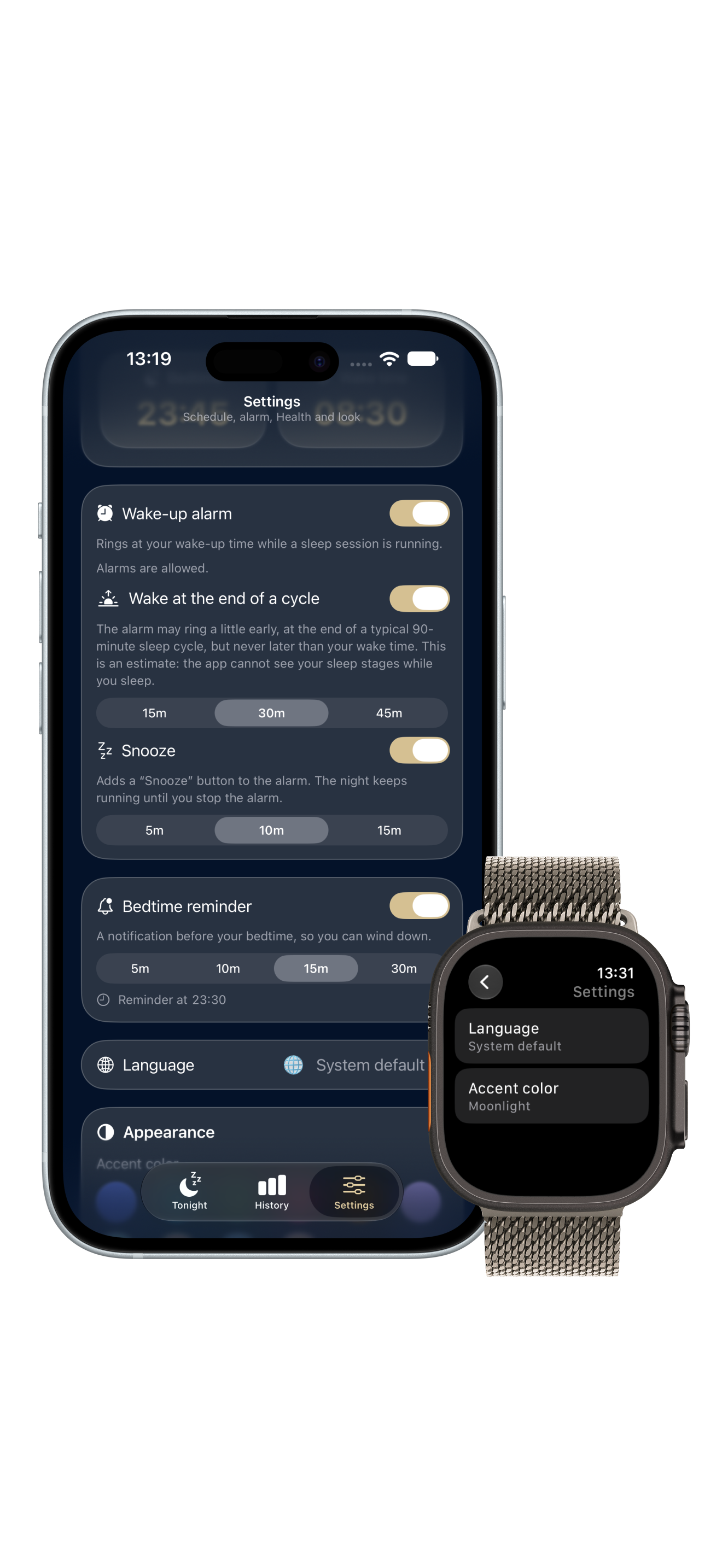
Wake-Up Alarm & Permissions
AlarmKit · Nightwell
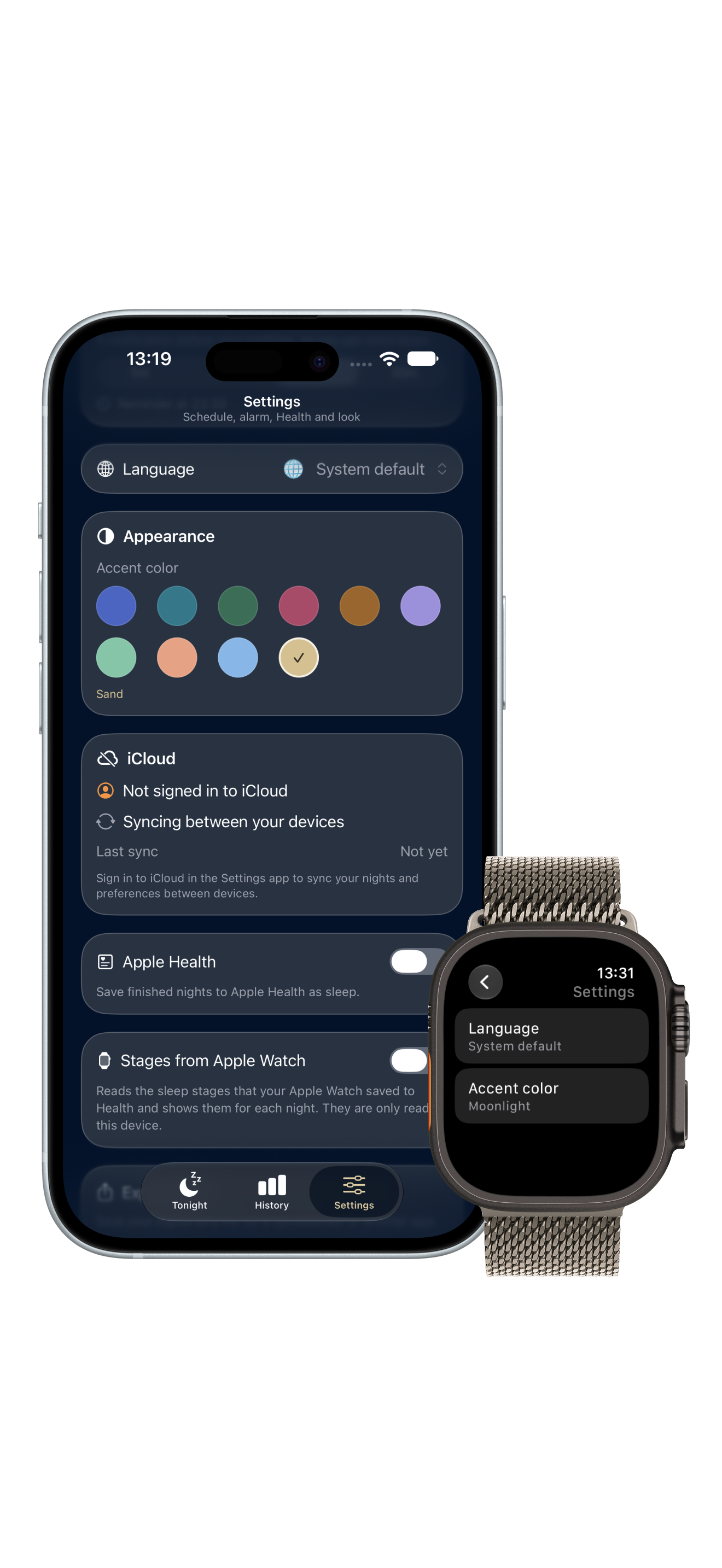
Appearance, Language & iCloud
Appearance · Nightwell
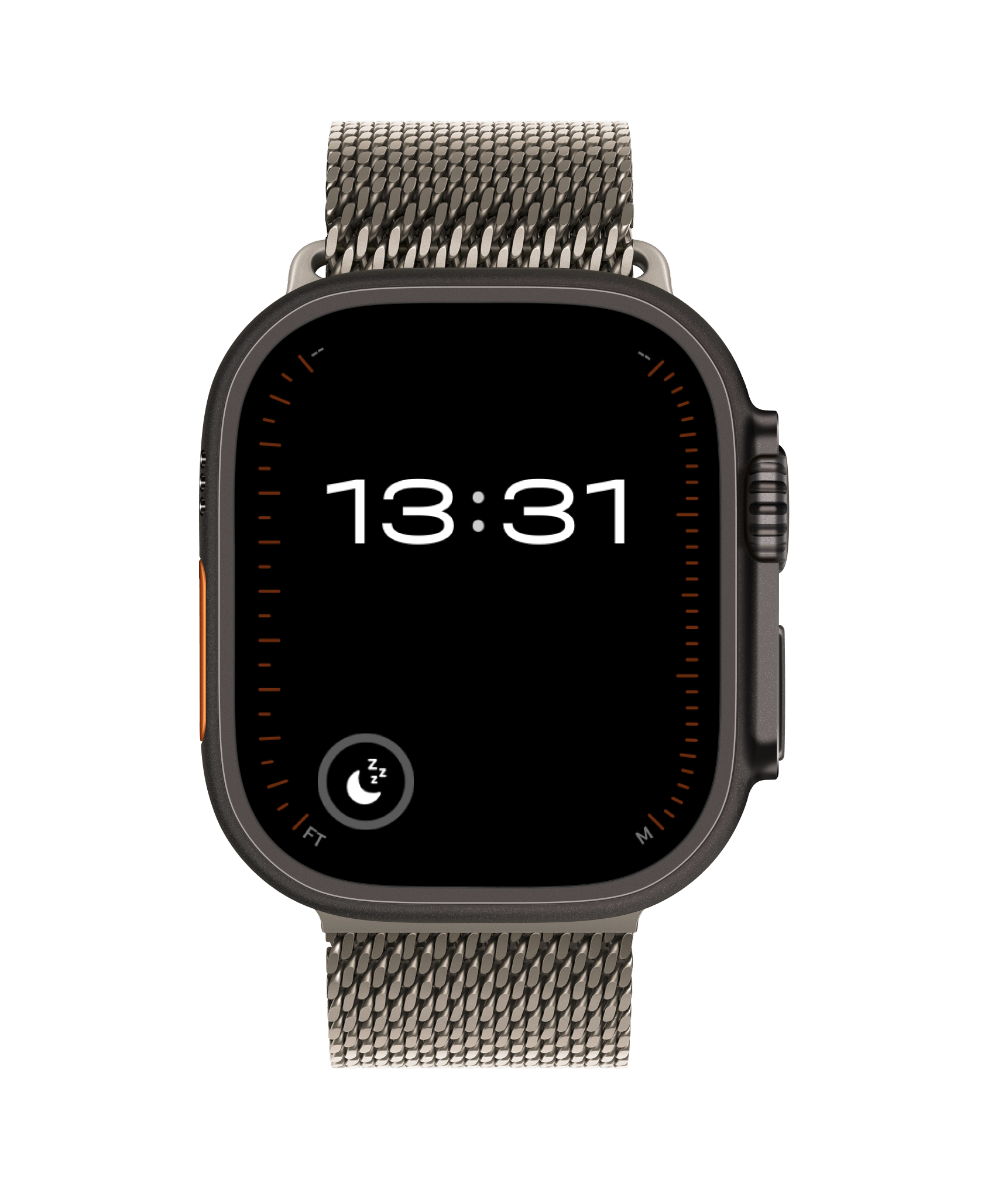
Bedside Night Clock
Bedside Night Clock
Always-On Watch · Nightwell
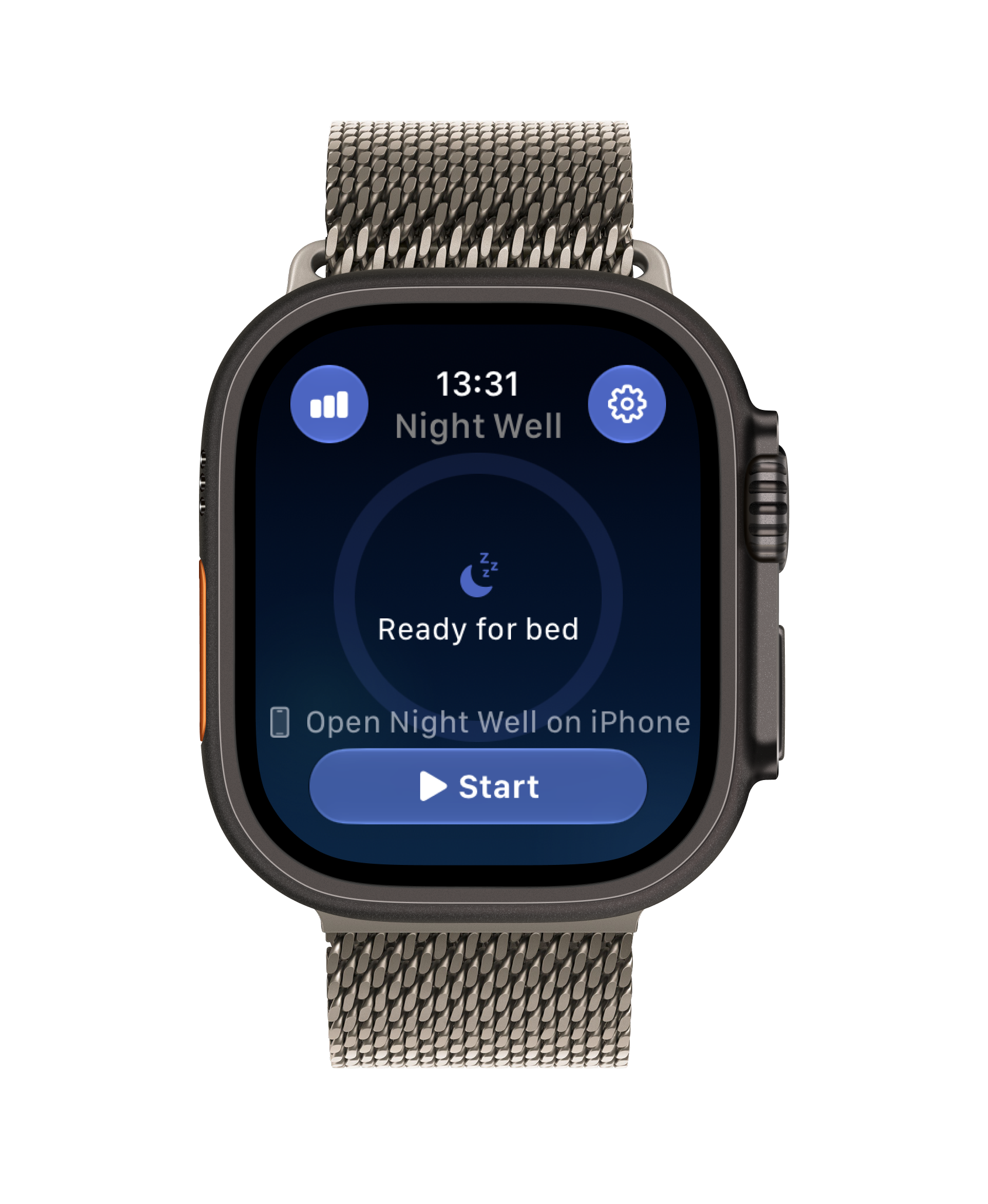
Start Sleep on Watch
watchOS Standalone · Nightwell
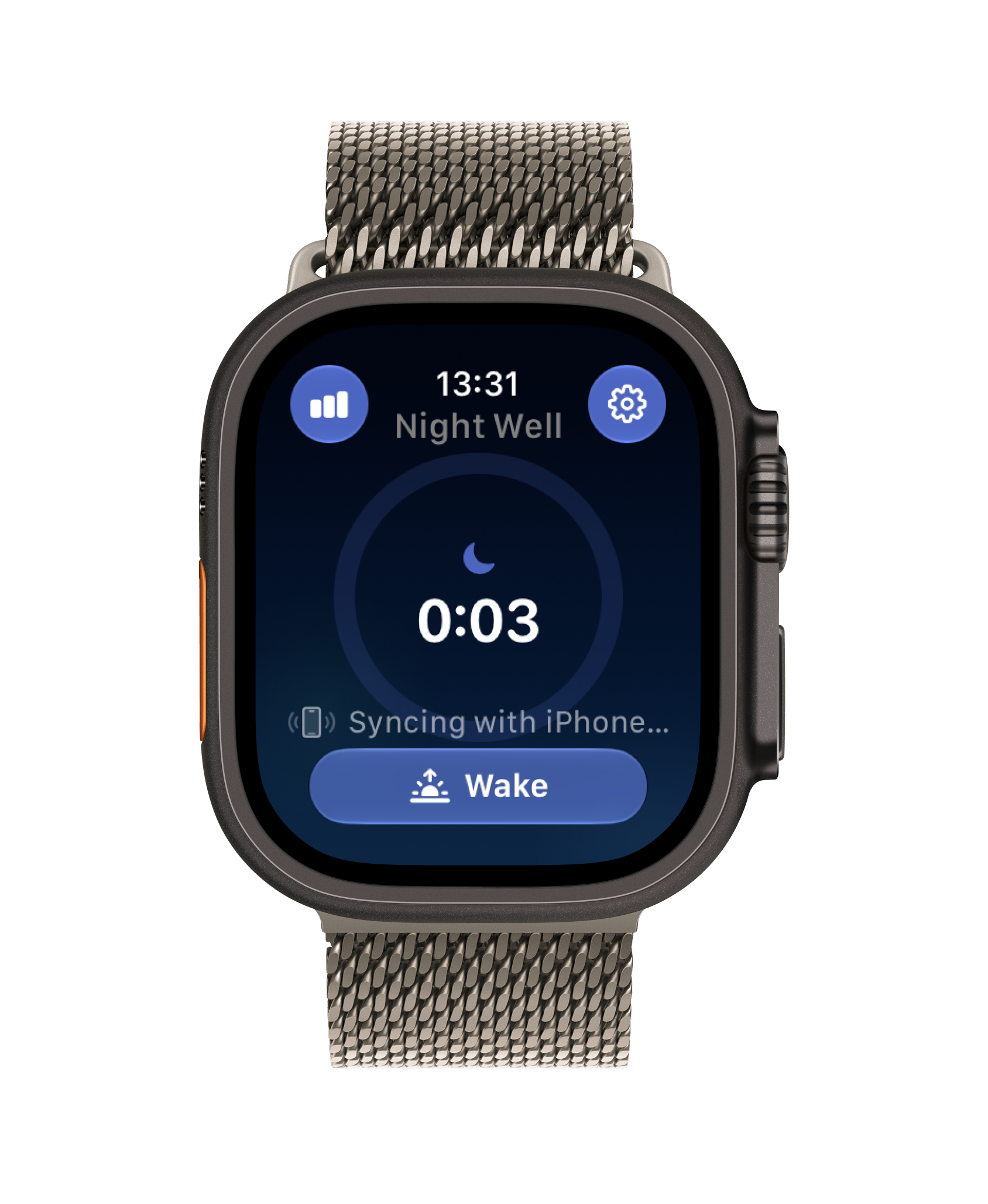
Active Tracking & iPhone Sync
Live Session · Nightwell
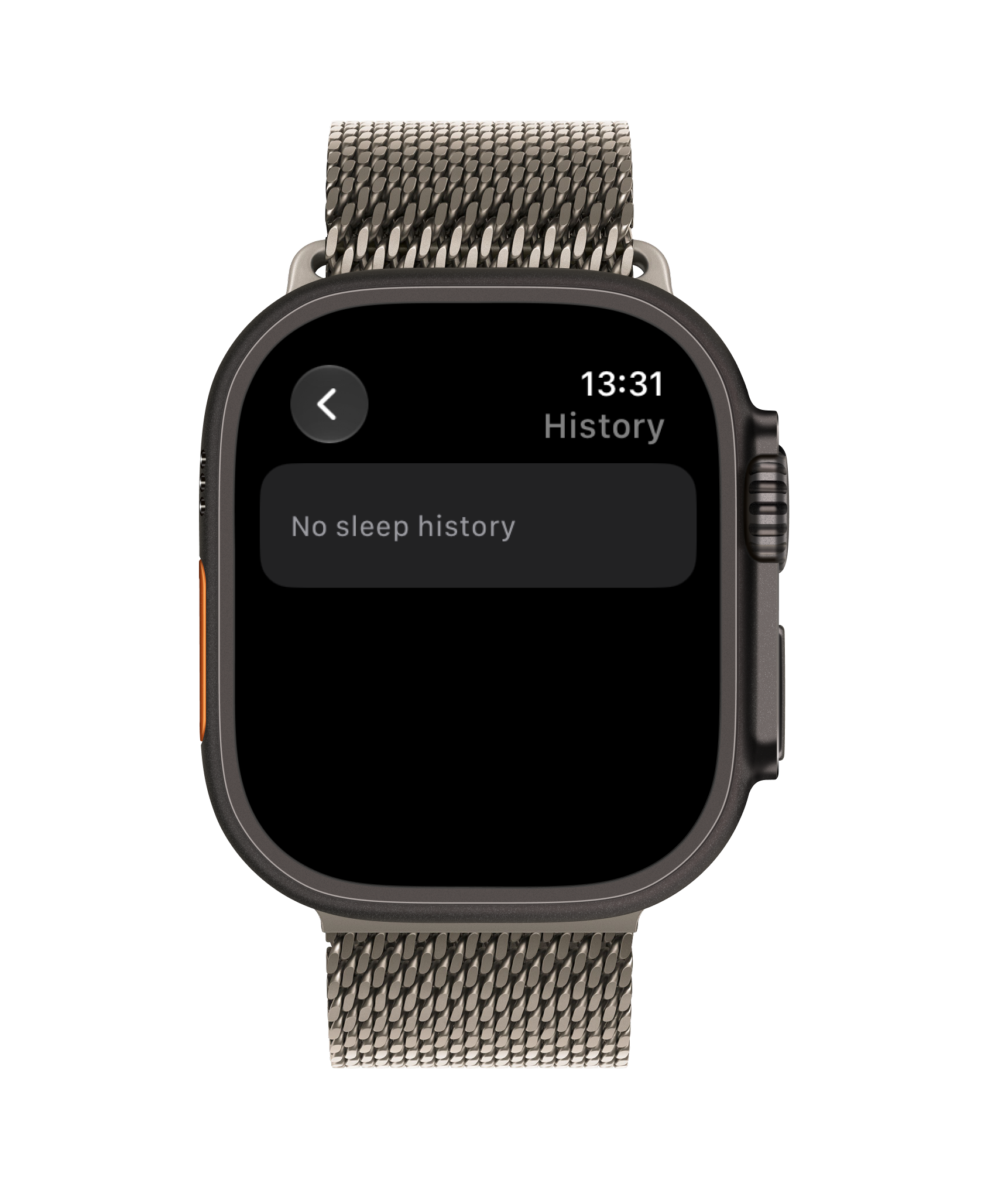
Sleep History & Records
Nights Log · Nightwell
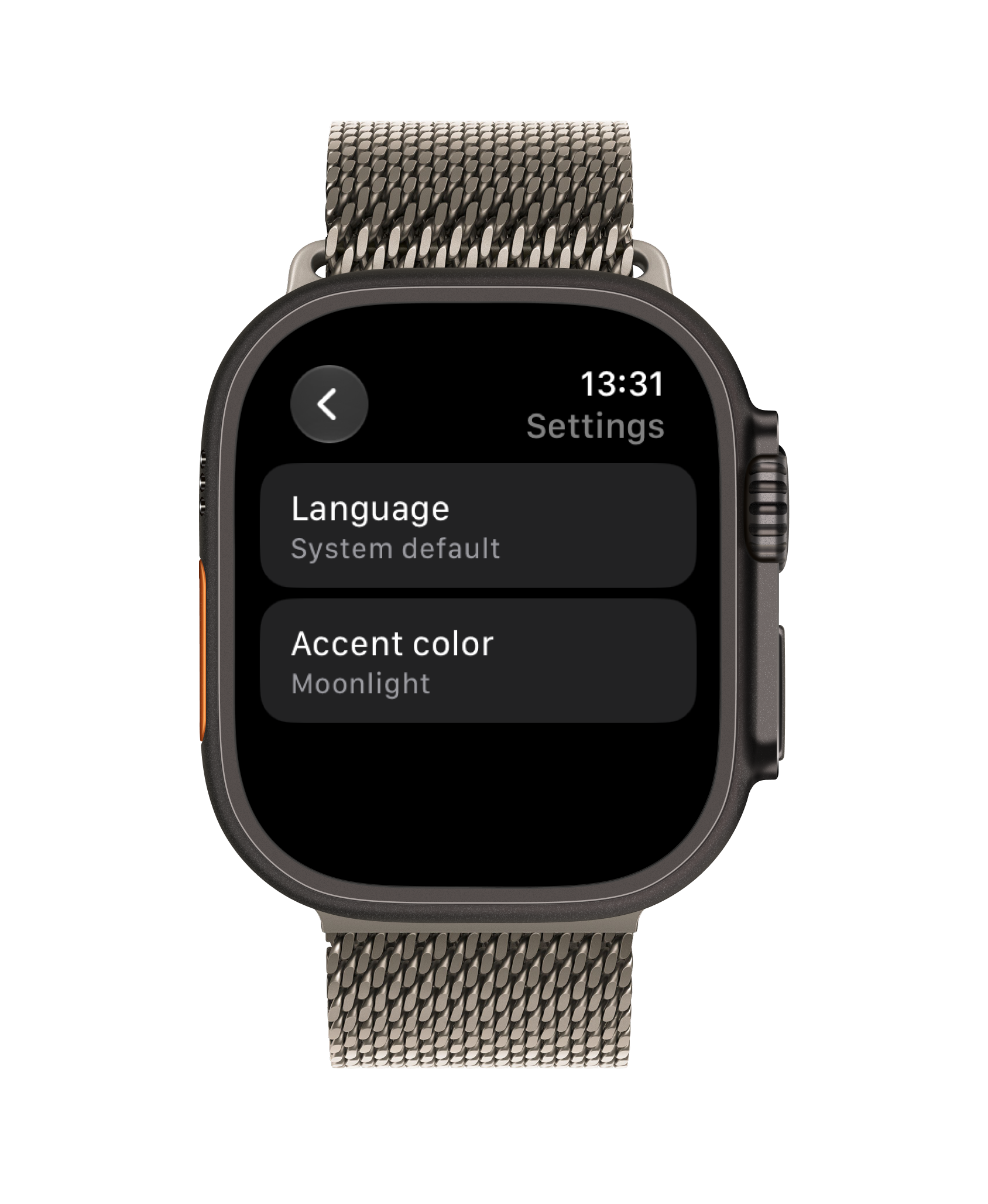
Settings & Color Customization
Themes & Settings · Nightwell
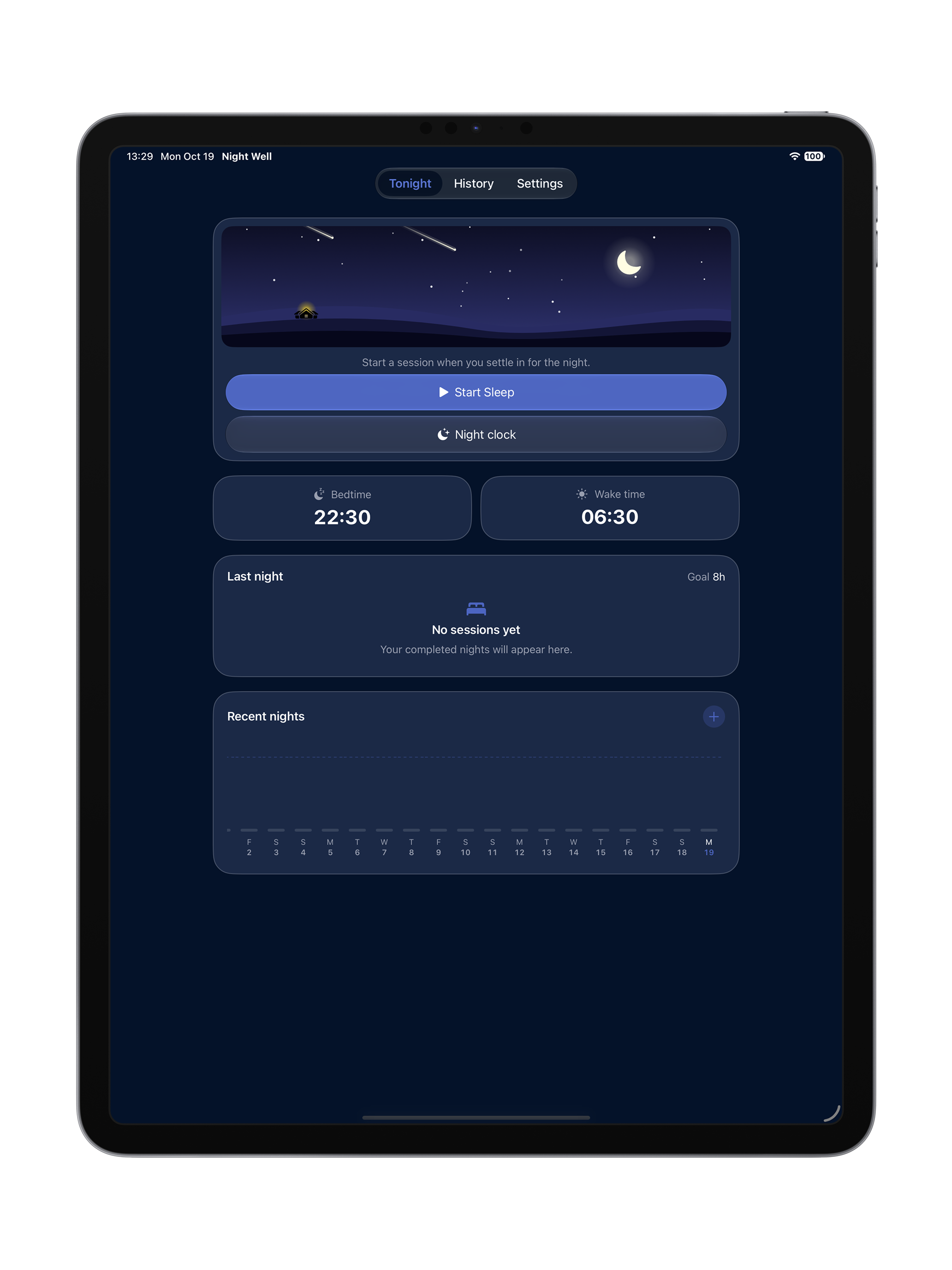
Tonight & Bedtime Dashboard
iPad Landscape · Nightwell
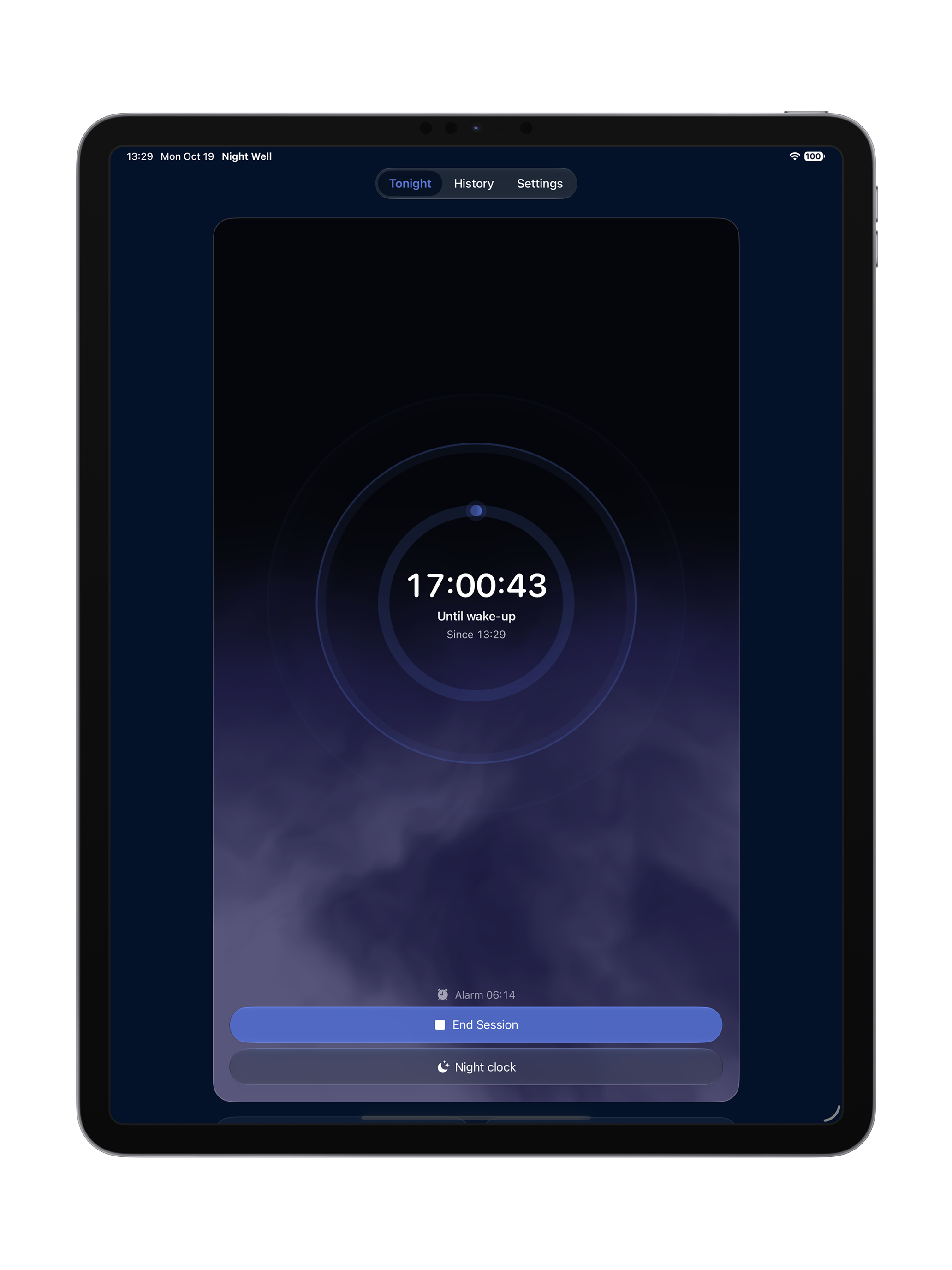
Active Night Tracking & Alarm
Night in Progress · Nightwell
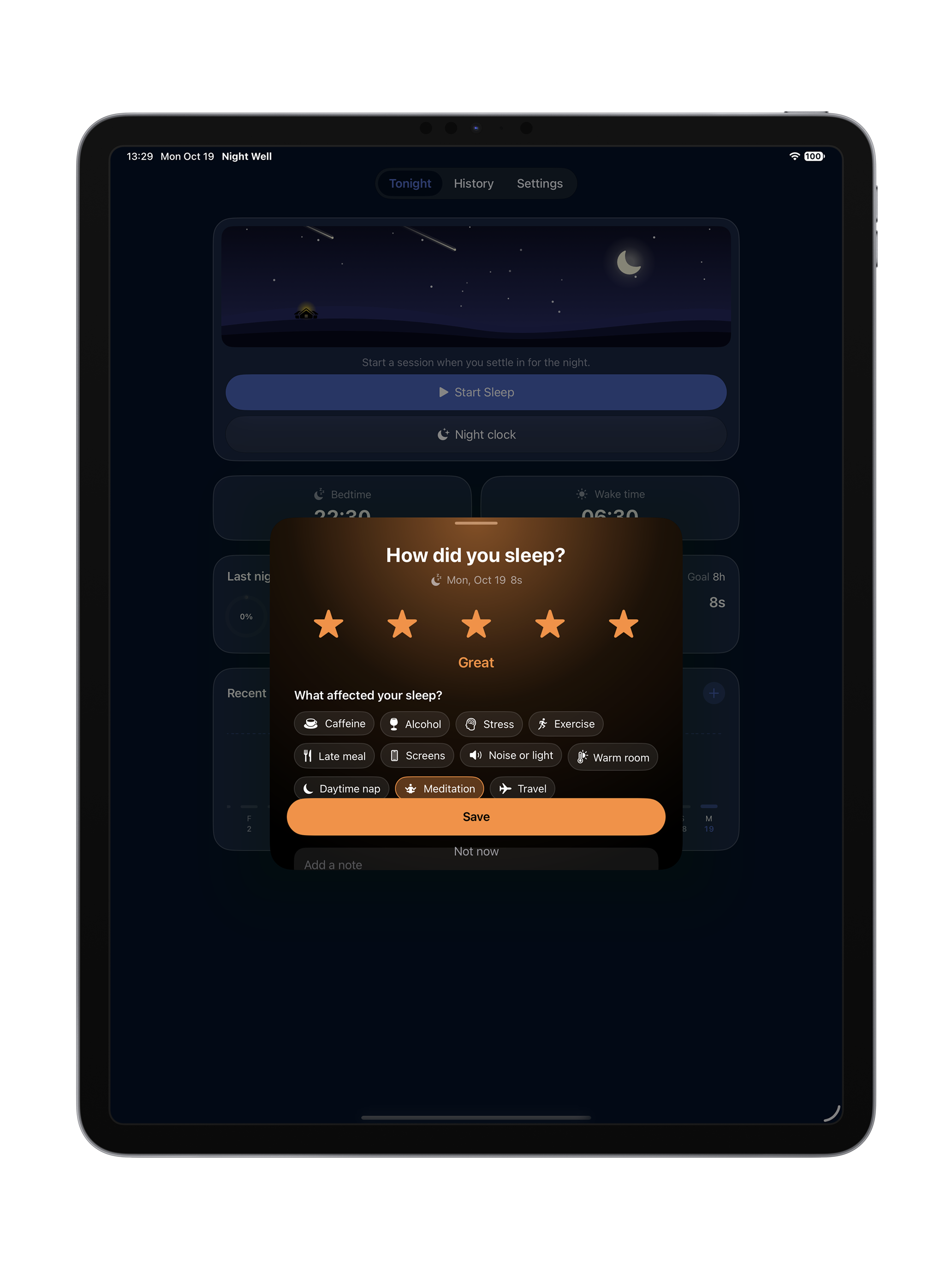
Night Clock & Standby Mode
Standby Clock · Nightwell
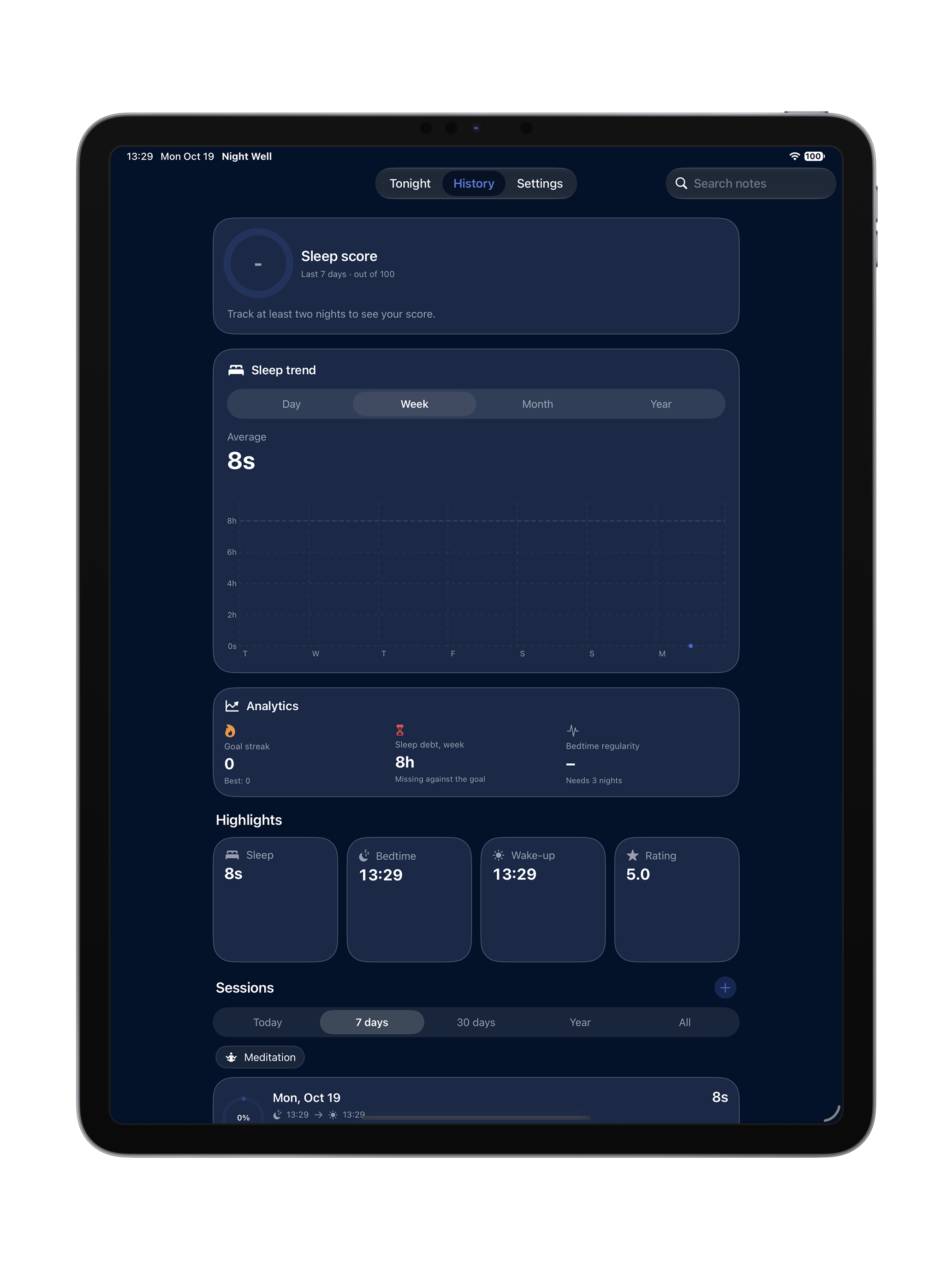
History & Sleep Score Overview
History Overview · Nightwell
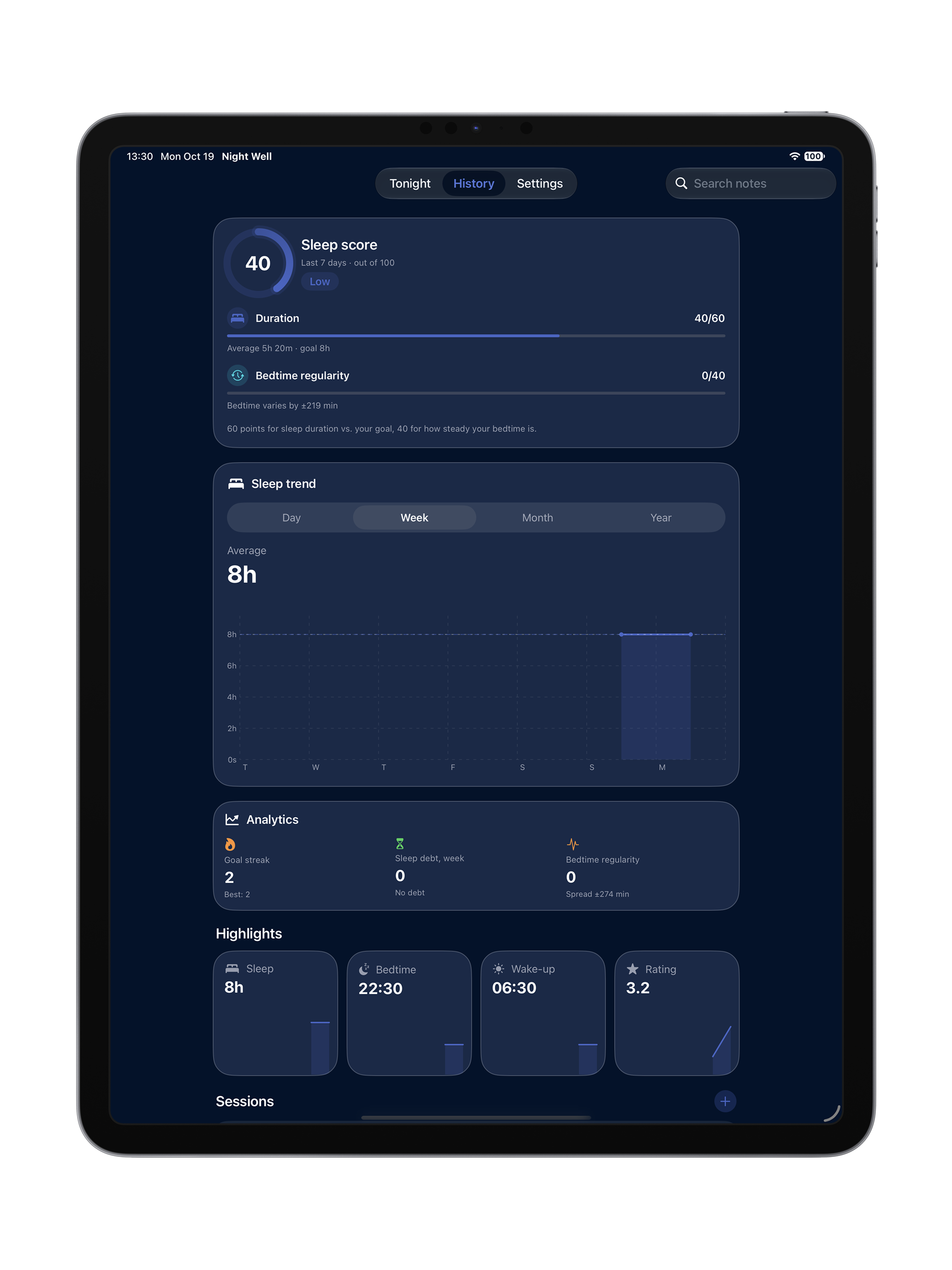
Analytics & Weekly Trends
Swift Charts · Nightwell
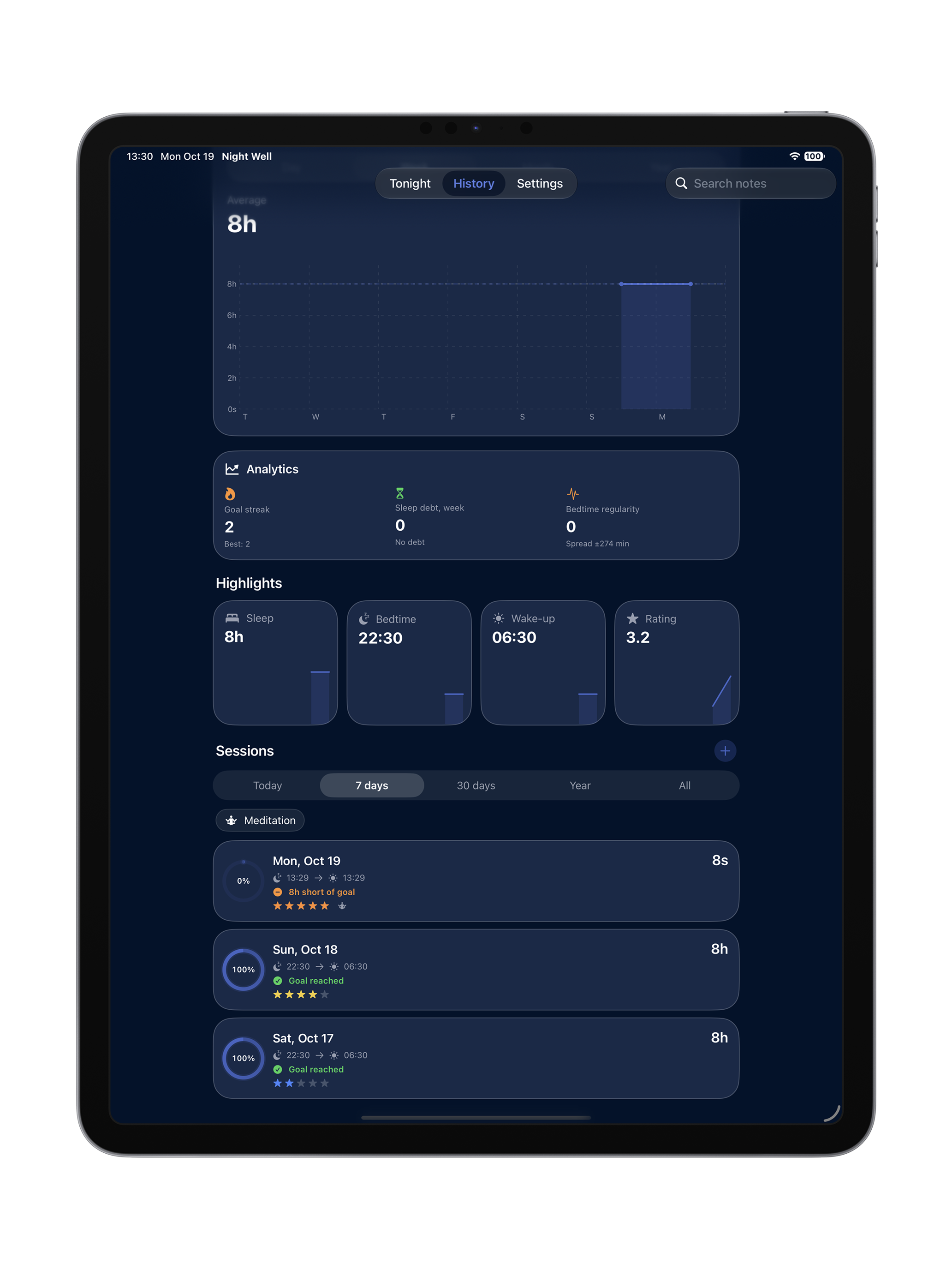
Session Log & Notes Diary
Notes & Factors · Nightwell
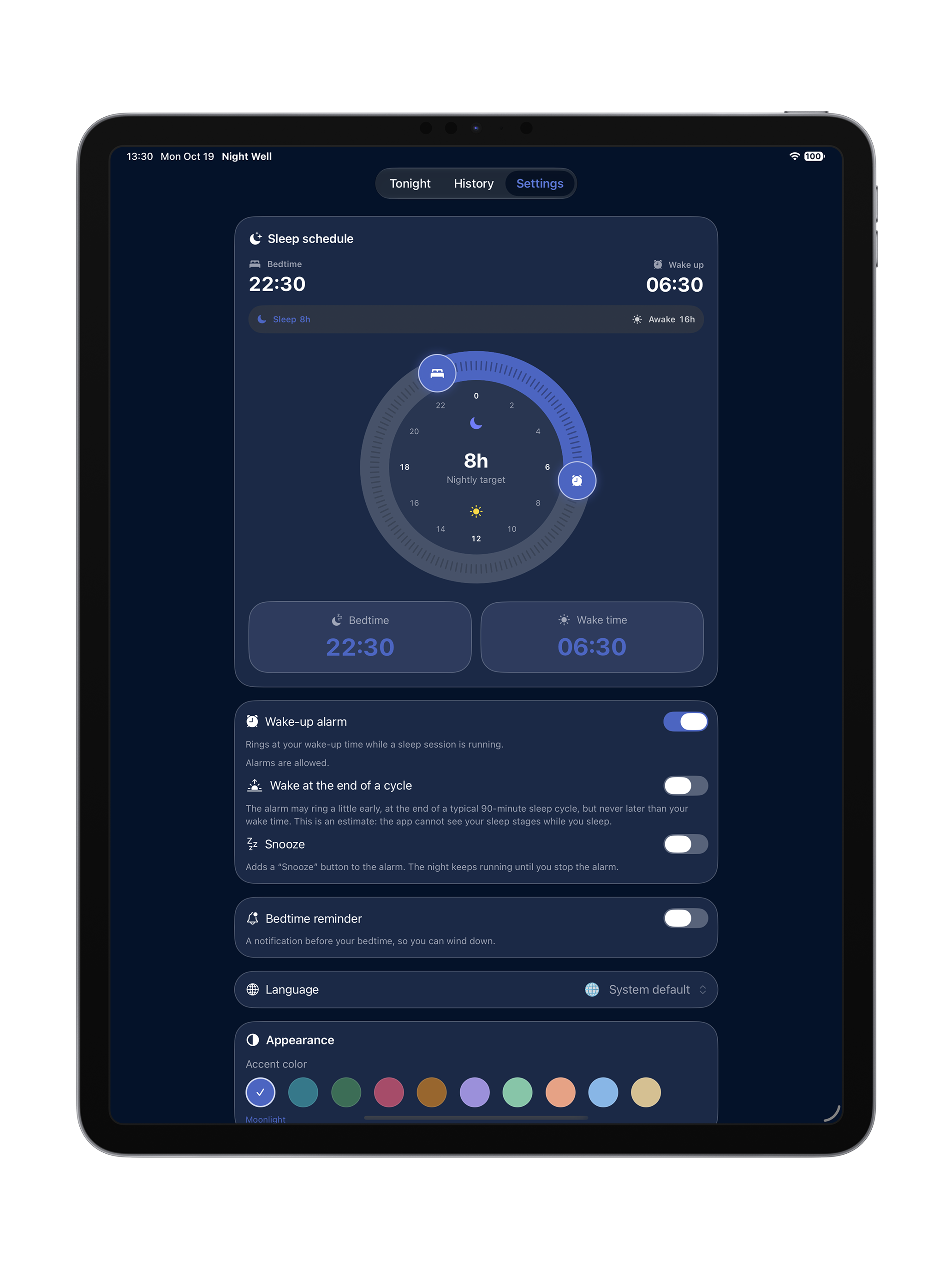
Sleep Schedule & Target Hours
Schedule Dial · Nightwell
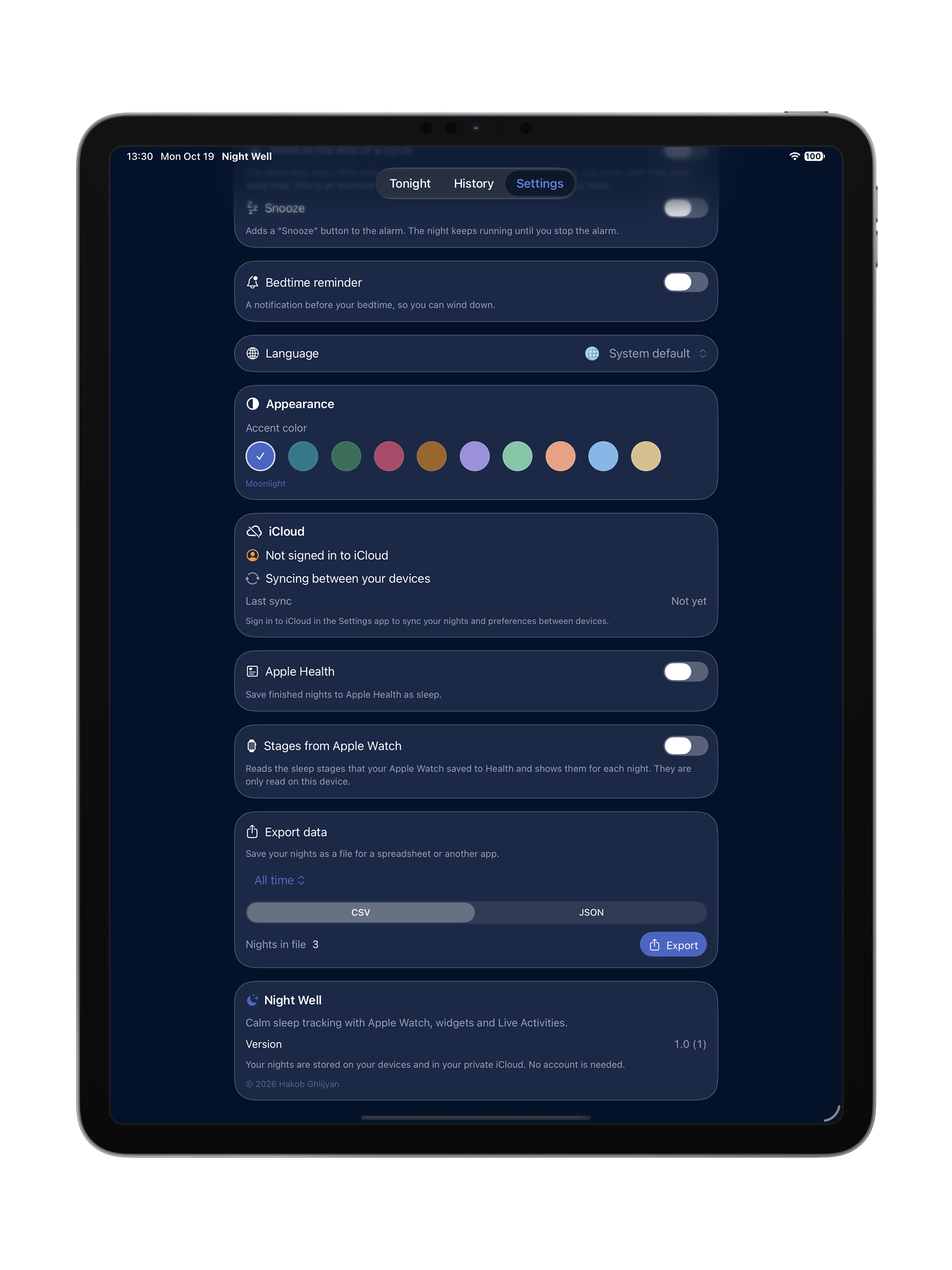
Settings, iCloud Sync & Privacy
System & iCloud · Nightwell
About Nightwell
Nightwell Ecosystem · iOS & watchOS
Crafted with Swift & SwiftUI · Hakob Ghlijyan
Nightwell Support & Settings
Settings, iCloud Sync & Support
Direct Developer Assistance · hakobghlijyan@gmail.com
Private by design
Private by Design · On-Device & Your Own iCloud
Private CloudKit Sync · No Third-Party Analytics in the App